Order terminalMenu
Switch off a size
Switch off a single size of an item, for example when large pizza boxes run out.
What it is for
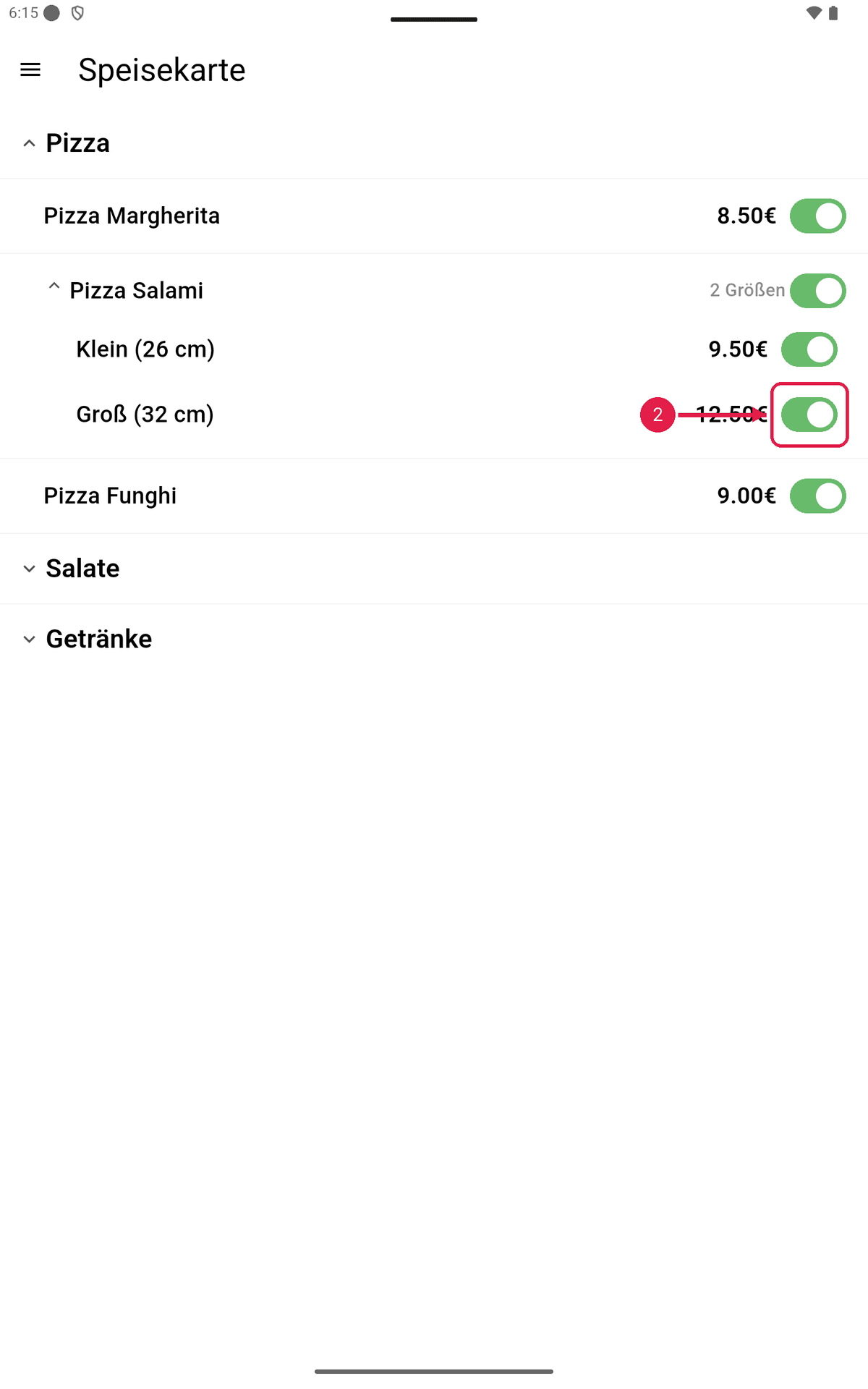
If an item has sizes, you switch each size off individually. The other sizes stay orderable.
What changes
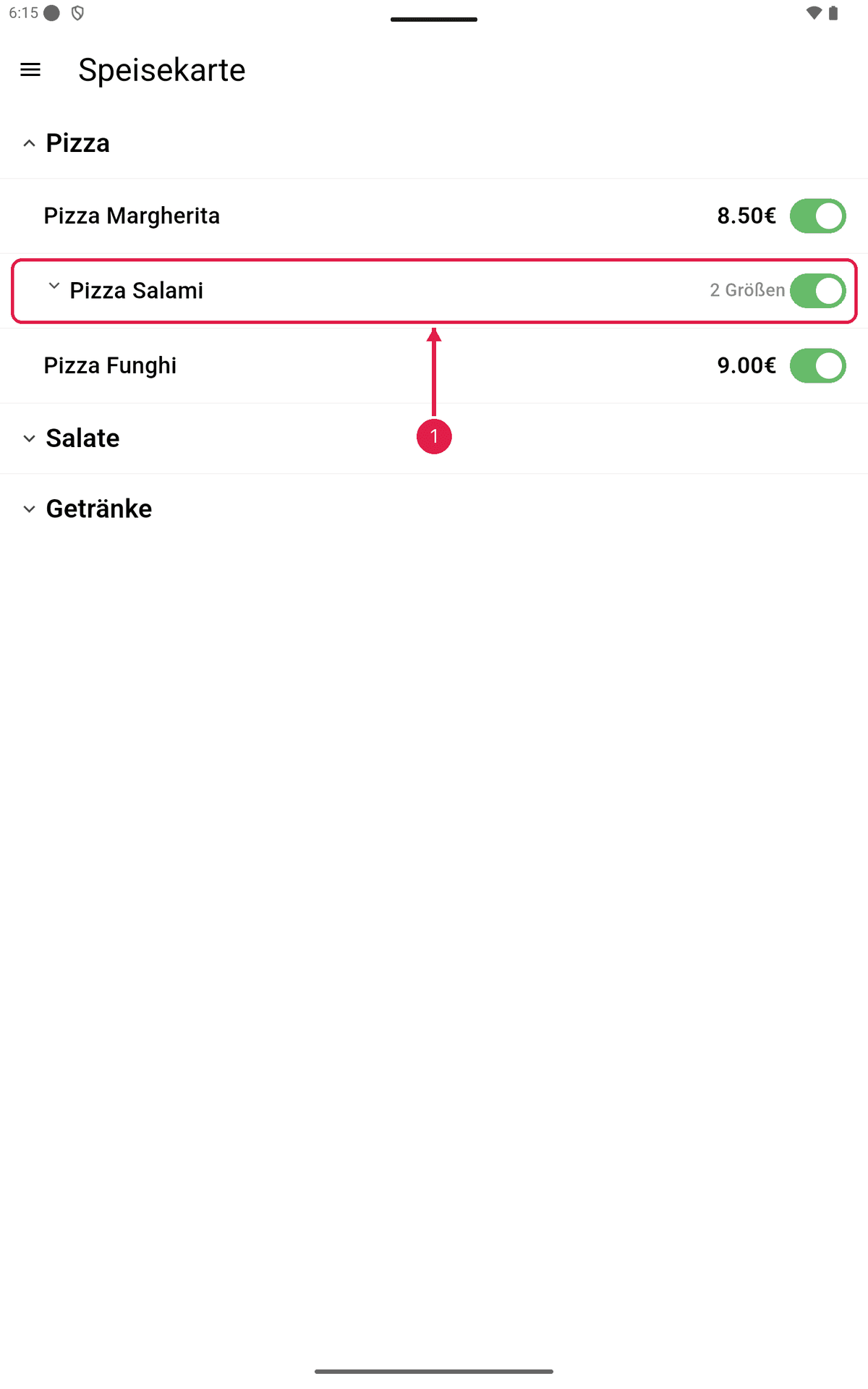
- Items with sizes show 2 Größen (2 sizes) or more. Tapping the row expands the sizes.
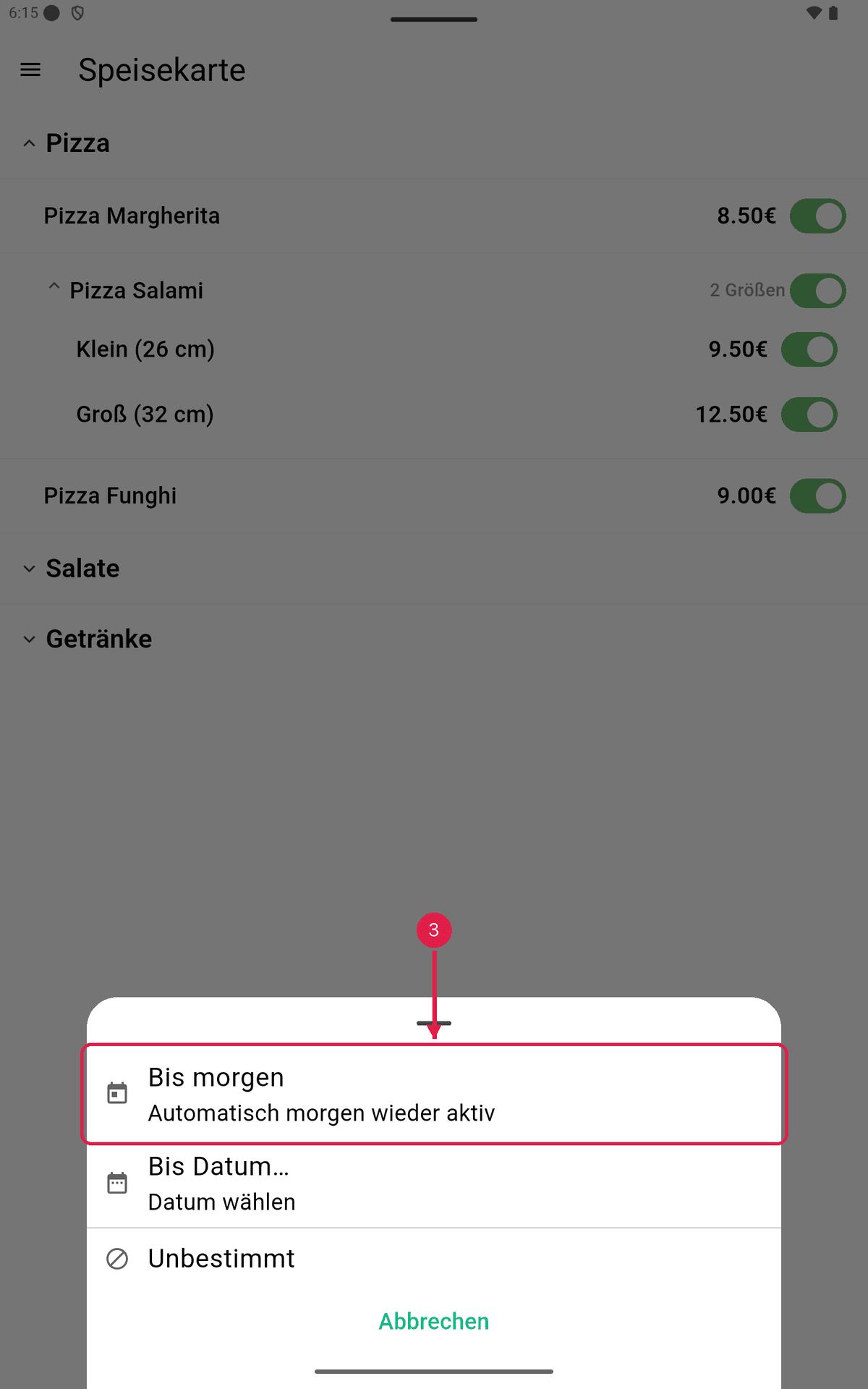
- Each size has its own switch with the same duration choice as an item.
- If all sizes are off, the whole item is off.
- The web shop and the app take over the change within a few seconds.
Requirements
The order terminal is connected with your restaurant. The item has sizes.
Step by step
Expand the sizes
Open Speisekarte (menu) in the menu. Open the category and tap the item with Größen.
Result
The size can no longer be ordered, the others still can.