Order terminalMenu
Switch lunch offers on and off
Switch items of a lunch offer off and on at the terminal.
What it is for
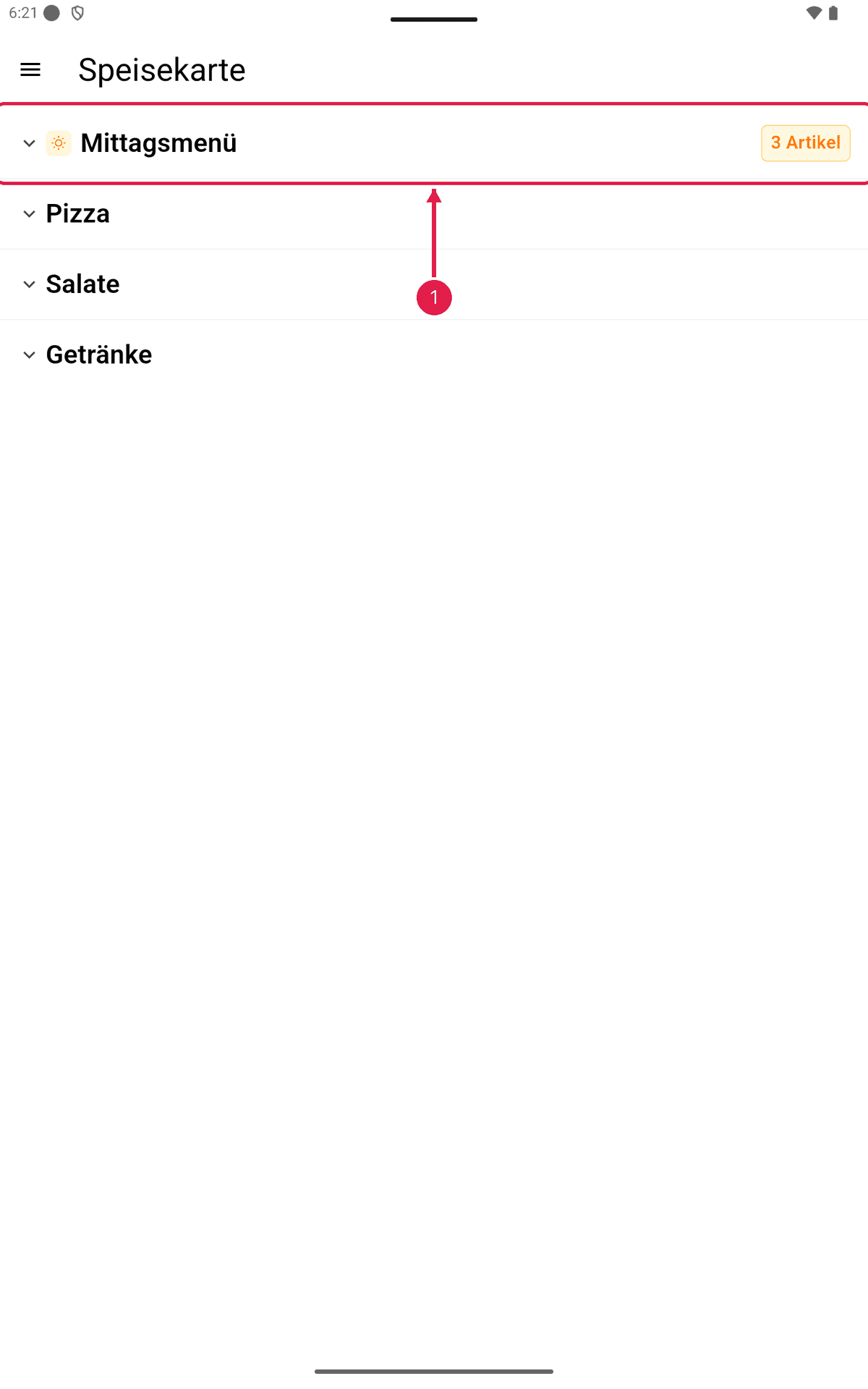
Lunch offers are at the very top of the menu, before the categories. There you switch their items off and on.
What changes
- An offer shows how many items it contains, for example 3 Artikel (3 items). Tapping expands it.
- Each item has a switch. There is no duration choice here.
- You create the offer itself in the admin area, see Create an offer.
Requirements
The order terminal is connected with your restaurant. There is a lunch offer with items.
Step by step
Open the offer
Open Speisekarte (menu) in the menu. The offer is at the very top, in the picture Mittagsmenü. Tap it and switch the items off or on.
Result
The offer's items are switched as you want.