Admin areaAccess
Sign out
Leave the admin area securely.
What it is for
Signing out ends your session in the admin area. After that, nobody on this device can access your restaurant without the password.
Requirements
You are signed in.
Step by step
Sign out
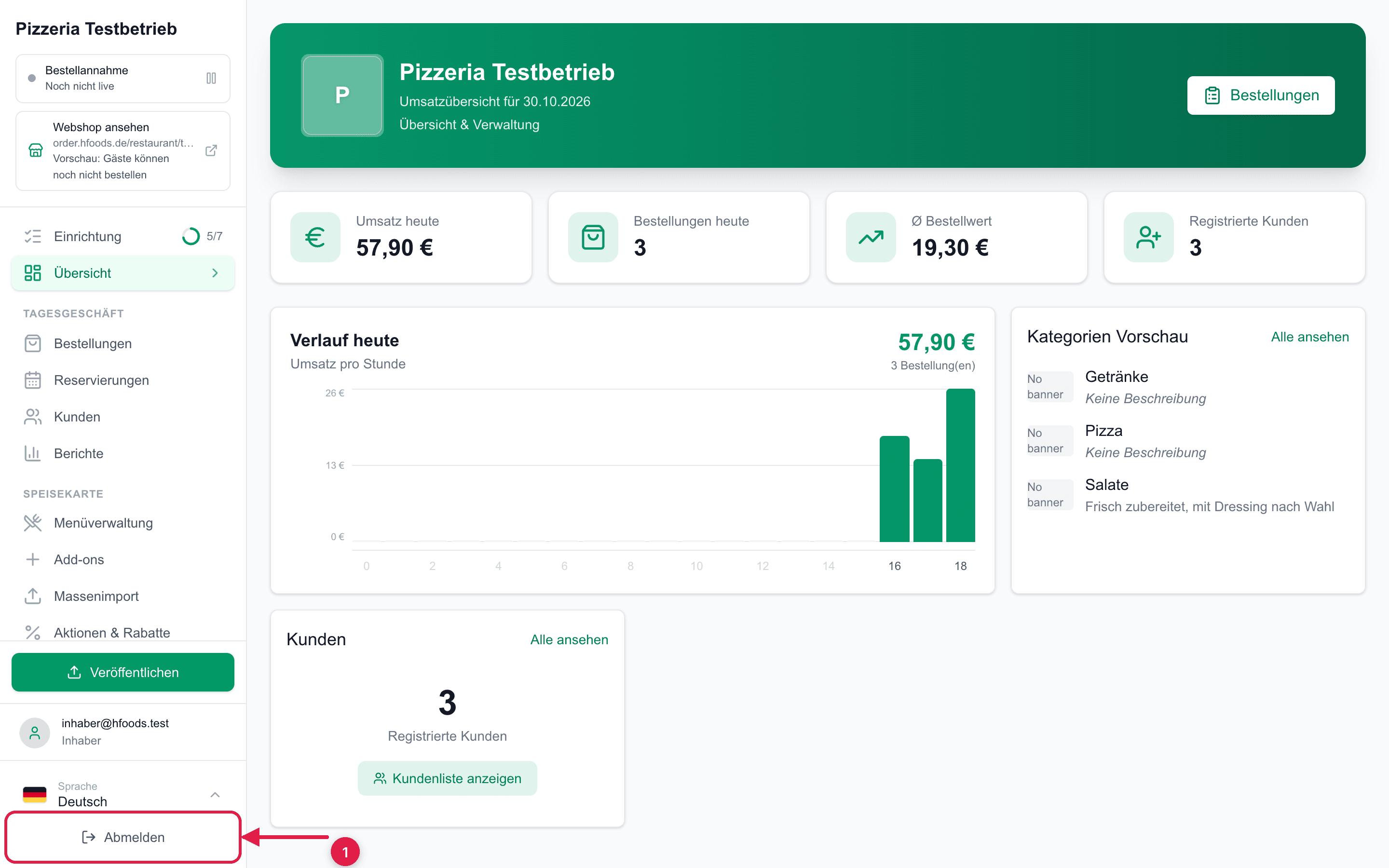
At the bottom of the left sidebar, click Abmelden (sign out). You are taken back to the sign-in page.
Tips
- Always sign out on a device that others use too, for example a computer in the shop.
- Unpublished menu changes stay saved. Still, click Veröffentlichen (publish) before signing out if guests should see them.