Book a plan
Get to the booking of an hfoods plan without an account.
What it is for
If you don't have a shop with hfoods yet, you book your plan on hfoods.de. There you choose your plan, sign the contract and get your account for the admin area. You also find the way there on the sign-in page.
Requirements
None. You don't need an account yet.
Step by step
Go to the booking
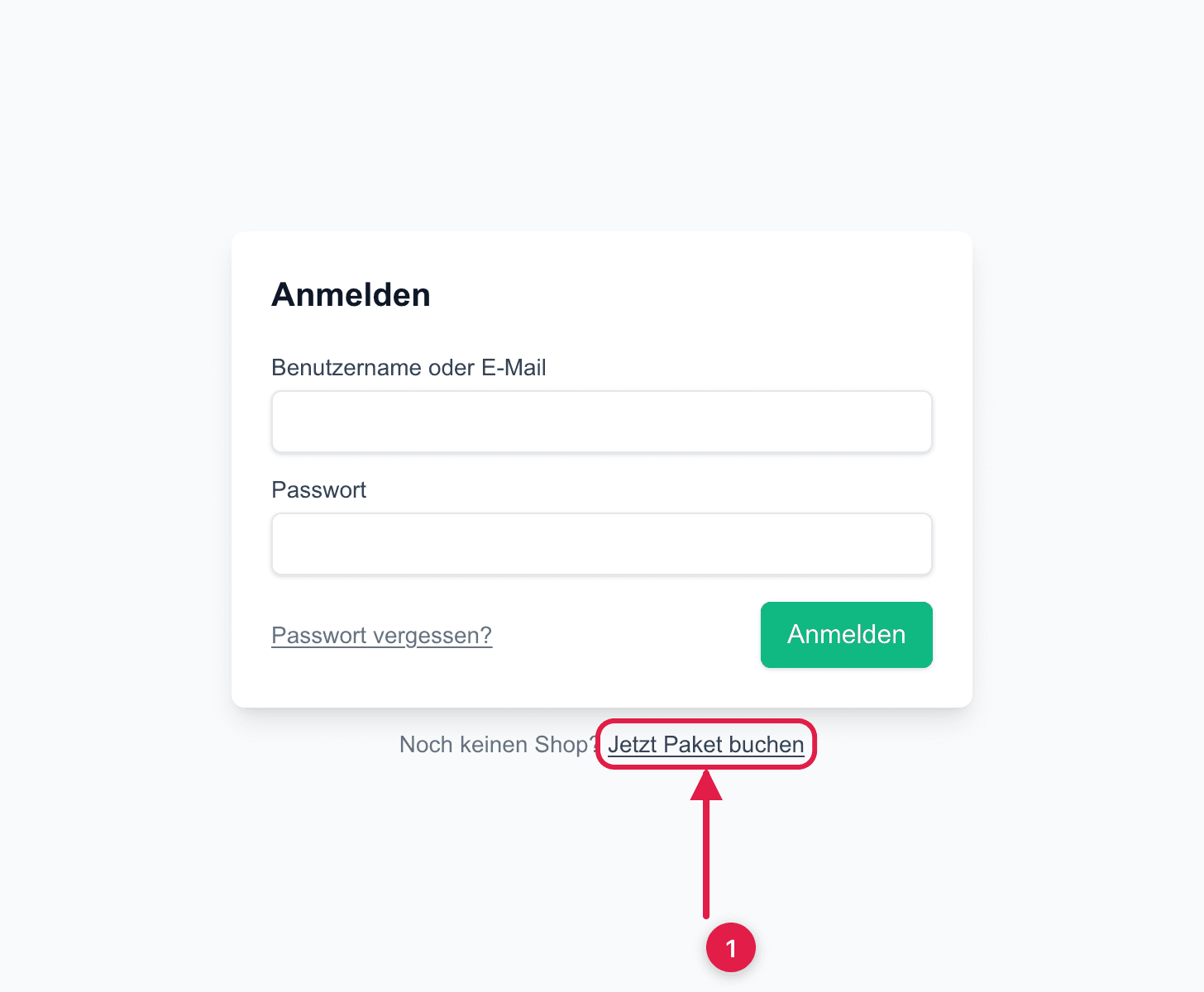
On the sign-in page, below Noch keinen Shop? (no shop yet?), click Jetzt Paket buchen (book a plan now). You get to the booking at hfoods.de/buchen.
Result
After Zahlungspflichtig buchen (book with obligation to pay), the booking reports "Deine Buchung ist angekommen" (your booking has arrived). Weiter zur Einrichtung (continue to setup) takes you straight to the setup in the admin area, where you set up your restaurant. You do not need a payment method to book, and your trial is free for at least 30 days. If you do not add a payment method by the end of the trial, your shop then continues on the Free plan at no cost. If you choose Free straight away, the button is called Kostenlos buchen (book for free), and there is no trial. Remember to confirm your email address with the link in our email "Bitte bestätige deine E-Mail-Adresse" (please confirm your email address). Once it is confirmed and the steps needed to go live are done, you can go live with your shop, even during the trial.
Frequently asked questions
I don't see the Jetzt Paket buchen (book a plan now) link. Why?
The link is only on the hfoods sign-in page. It is not shown on a partner's sign-in page, because there you book through the partner.