Admin areaOverview
Jump on from the overview
Jump from the overview straight to orders, categories and customers.
What it is for
The Übersicht (overview) sums up the most important things. If you want to see more, buttons and links take you straight to the right place without searching in the sidebar.
What changes
Nothing. The links only open other pages.
Requirements
You are signed in to the admin area.
Step by step
Jump on
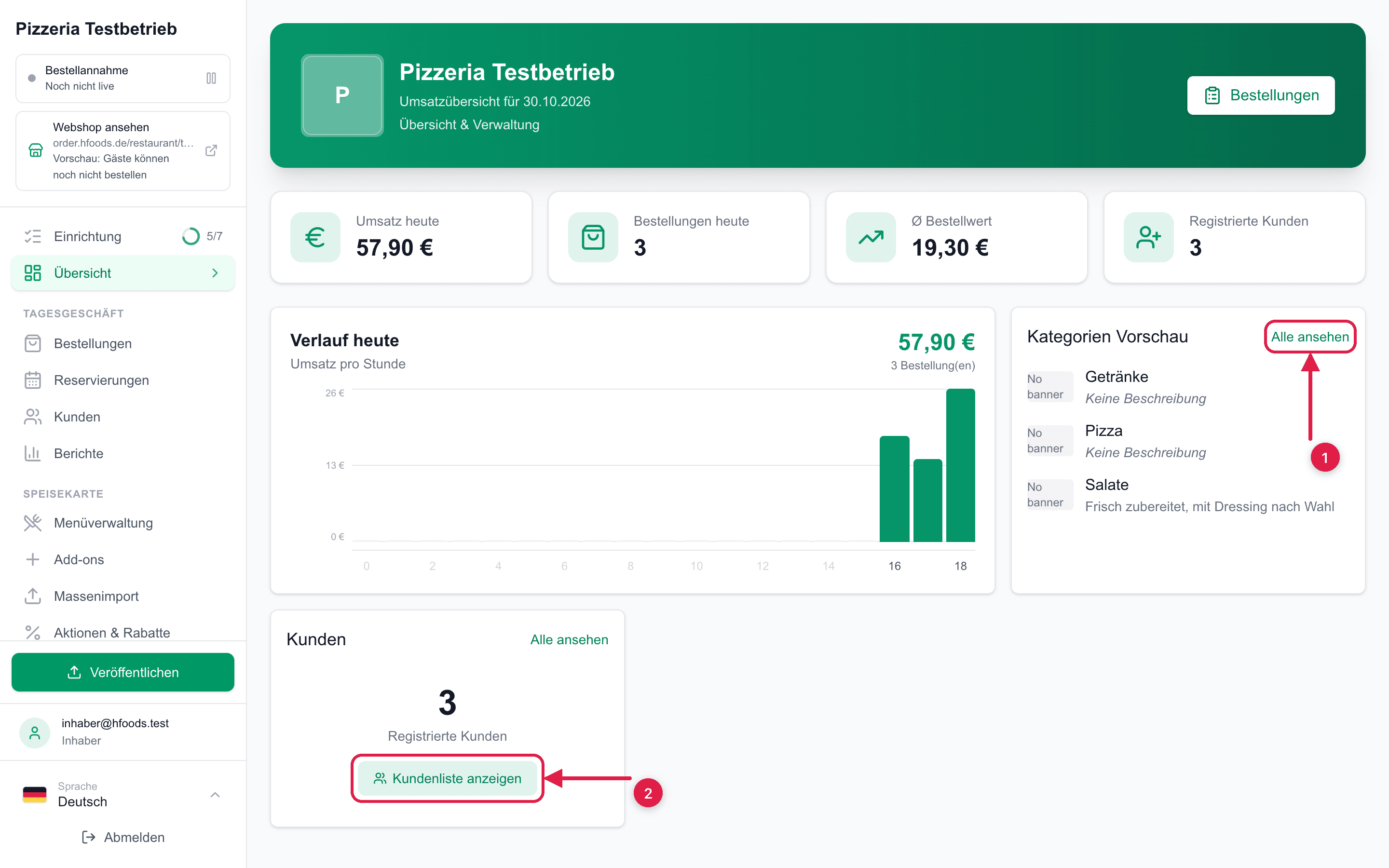
In the sidebar on the left, click Übersicht. From here you can go on:
- Bestellungen (orders, button at the top right of the page header): opens the list of all orders.
- Alle ansehen (view all) at Kategorien Vorschau (category preview): opens menu management with all categories.
- Alle ansehen at Kunden (customers) or Kundenliste anzeigen (show customer list): opens the list of your registered customers.
Result
One click takes you to the page you need.