Admin areaReservations
Confirm a reservation
Confirm an open reservation request; the guest receives an email.
What it is for
When a guest reserves a table, the request first shows Ausstehend (pending). If it suits you, you confirm it. The guest is told by email.
What changes
- The reservation changes to Bestätigt (confirmed).
- The message Reservierung bestätigt, der Gast erhält eine E-Mail (reservation confirmed, the guest receives an email) confirms this.
Requirements
- You are signed in to the admin area.
- The reservation shows Ausstehend.
Step by step
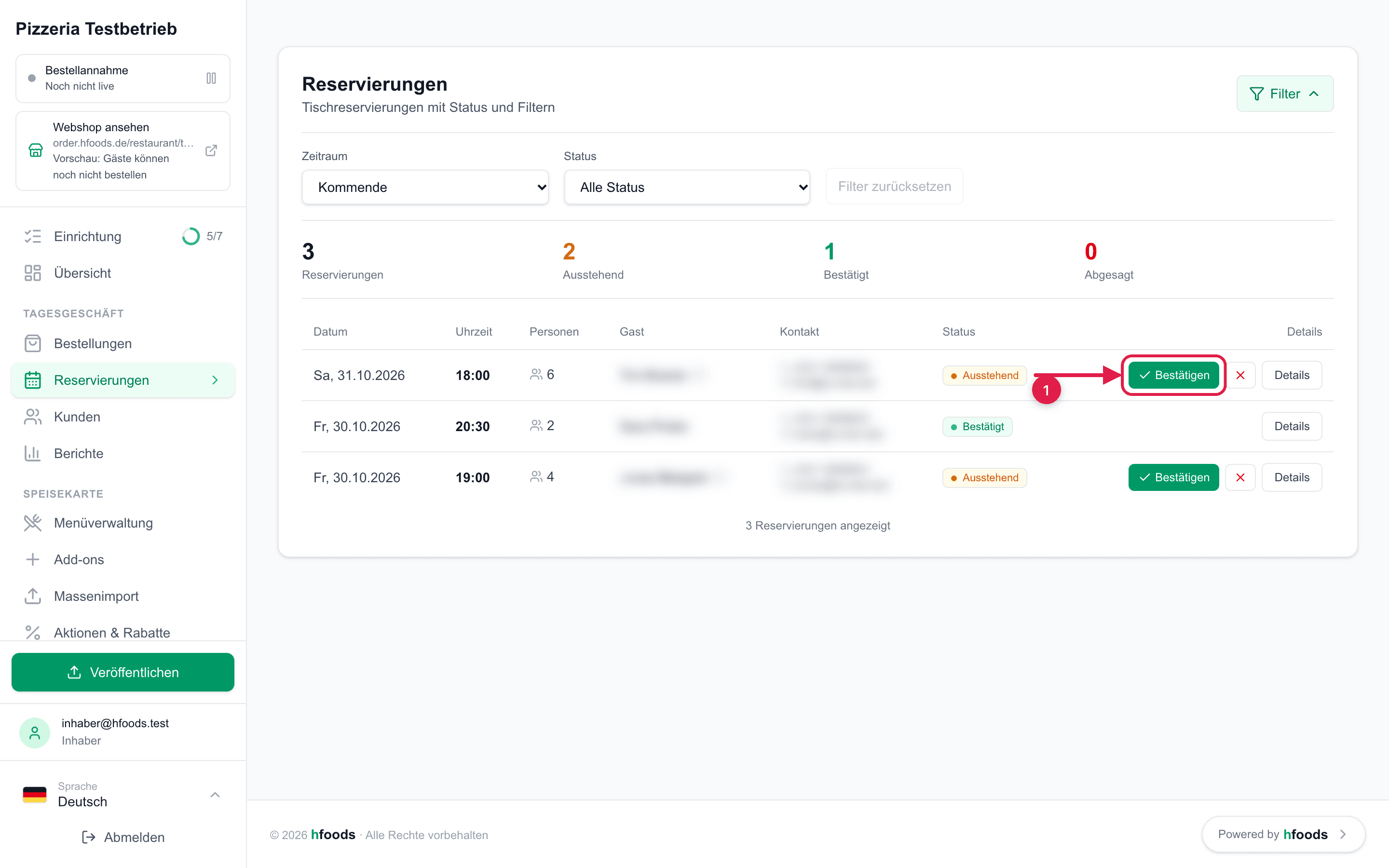
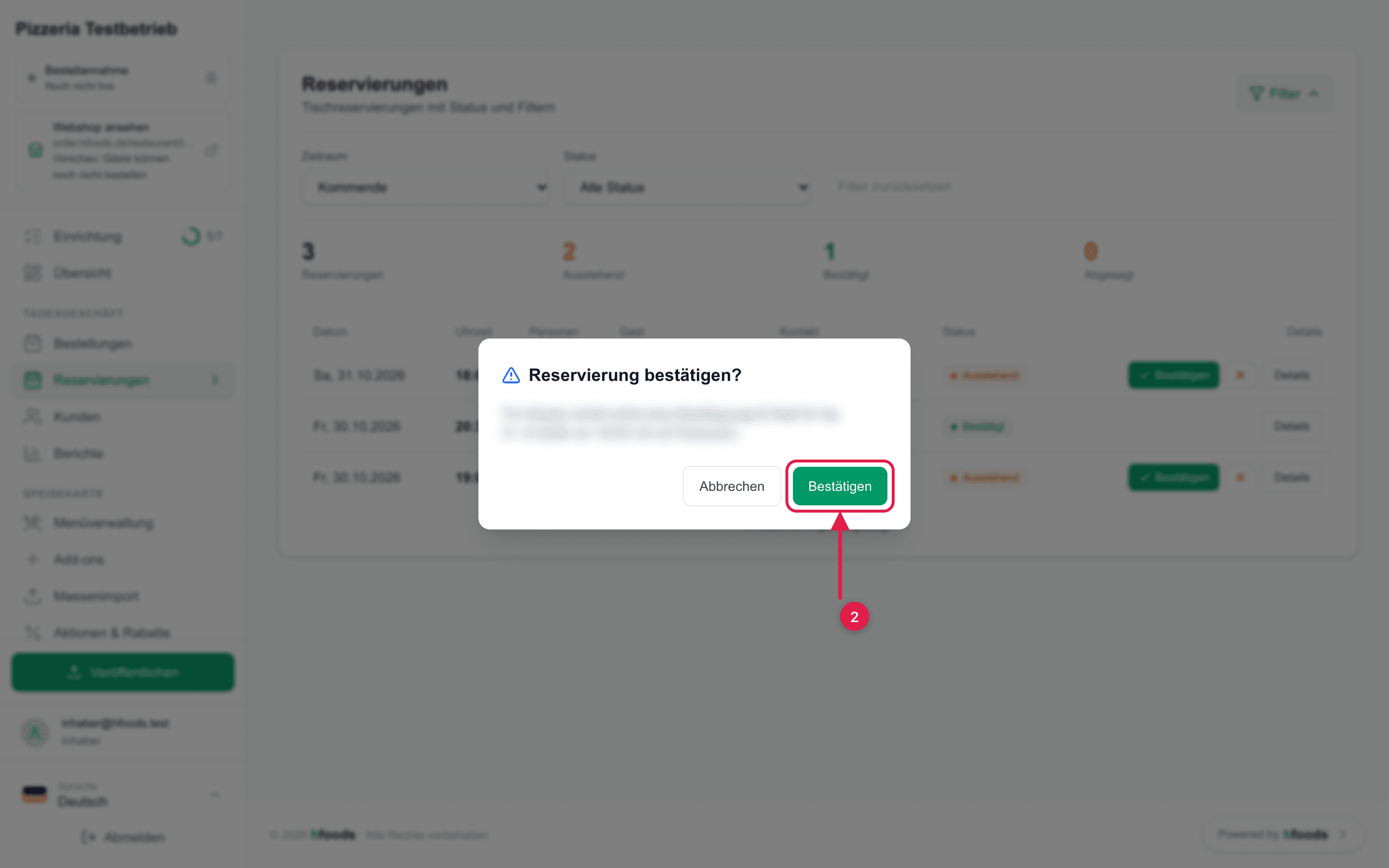
Choose Bestätigen
In the sidebar on the left, click Reservierungen (reservations). Open requests show the green Bestätigen (confirm) button in the list. Click it. You can also click Bestätigen in the reservation's details window.
Result
The reservation is confirmed, and the guest has received an email.
Frequently asked questions
What does "Reservierung wurde inzwischen anderweitig bearbeitet" mean?
(The reservation has been handled elsewhere in the meantime.) Someone else handled the reservation in the meantime, for example on another device. The list then shows the current state.