Admin areaIntegrations
Renew the WinOrder password
Create a new password for the WinOrder connection, for example if the old one is lost.
What it is for
If you lost the password of the WinOrder connection or want to change it, create a new one.
What changes
- The old password is no longer valid. WinOrder can only connect again once you have entered the new password in the WinOrder program settings.
- The new password appears once with the note Neues Kennwort, bitte jetzt kopieren! (new password, please copy it now). The message reads Kennwort wurde erneuert (password renewed).
Requirements
You are signed in to the admin area as the owner, and WinOrder is set up, see Set up WinOrder.
Orders arrive again only after entering it
Until the new password is in WinOrder, WinOrder does not fetch any orders.
Step by step
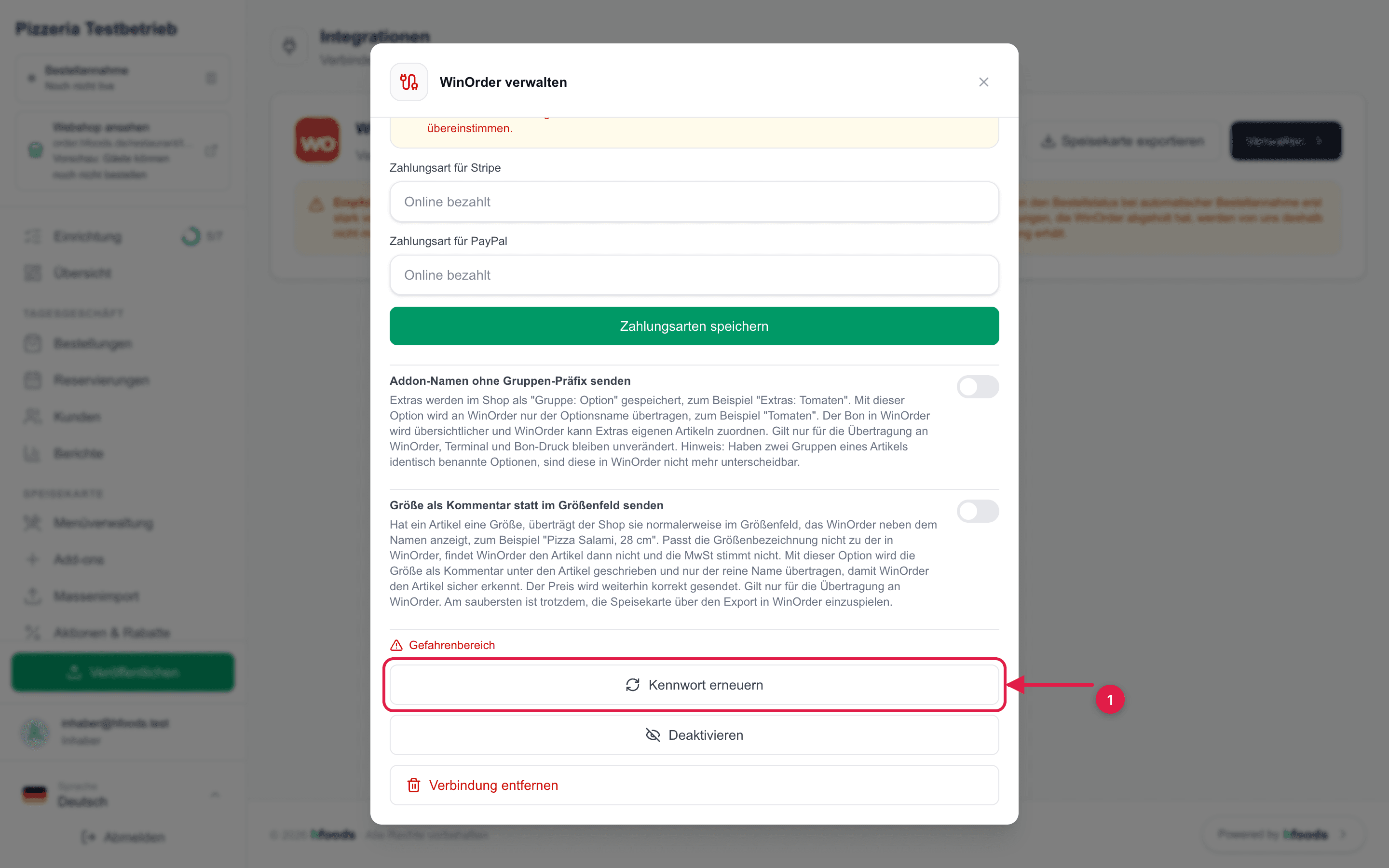
Choose renew password
In the sidebar on the left, click Integrationen (integrations). Next to WinOrder click Verwalten (manage). At the bottom, in the Gefahrenbereich (danger zone), click Kennwort erneuern (renew password).
Confirm and enter it
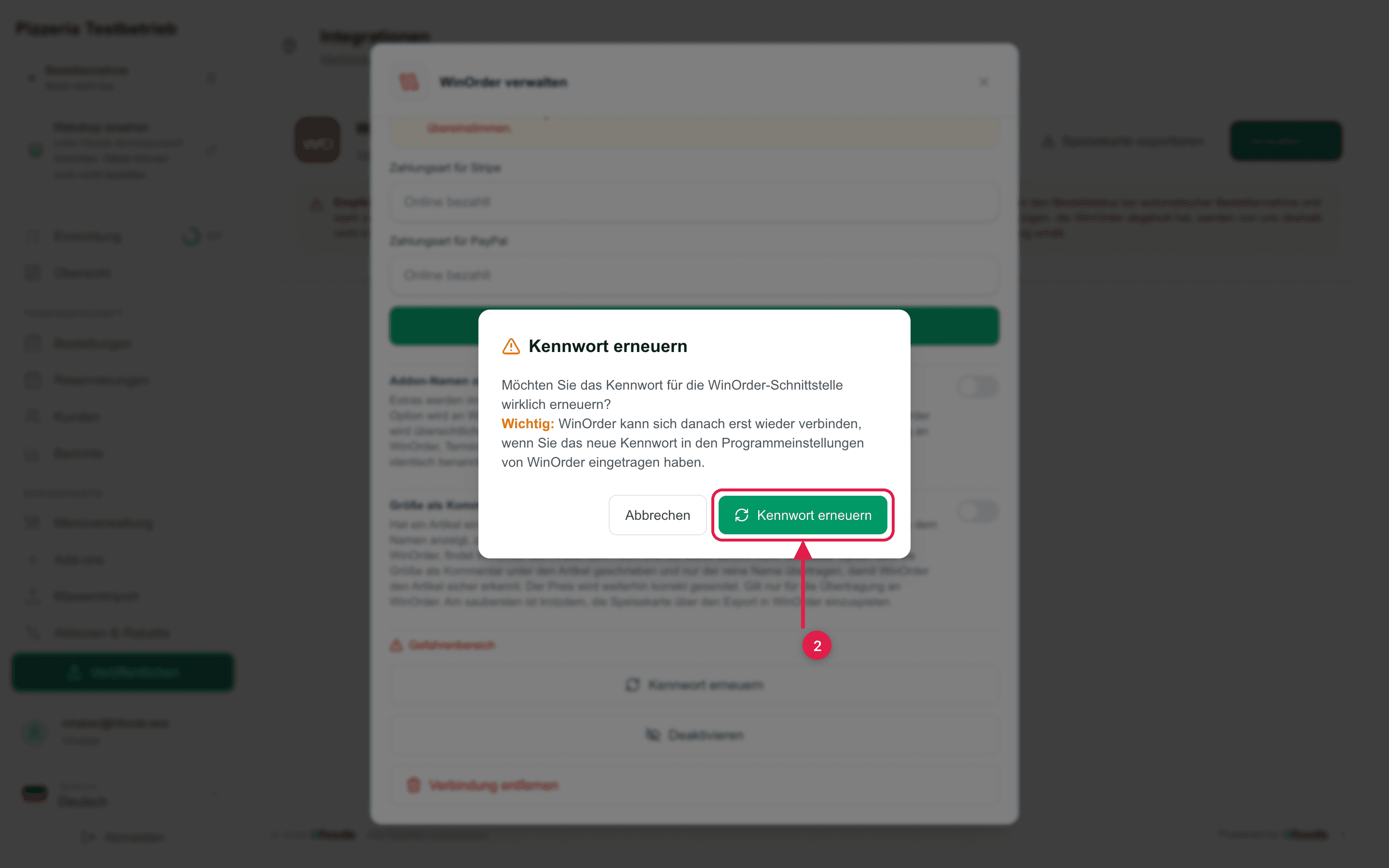
Confirm in the Kennwort erneuern window with Kennwort erneuern. Copy the new password and enter it in WinOrder.
Result
The connection uses the new password.