Order terminalPrinters
Run a test print
Trigger a test print to check whether a printer is reachable and prints correctly.
What it is for
With the Testdruck (test print) you check a printer without an order.
What changes
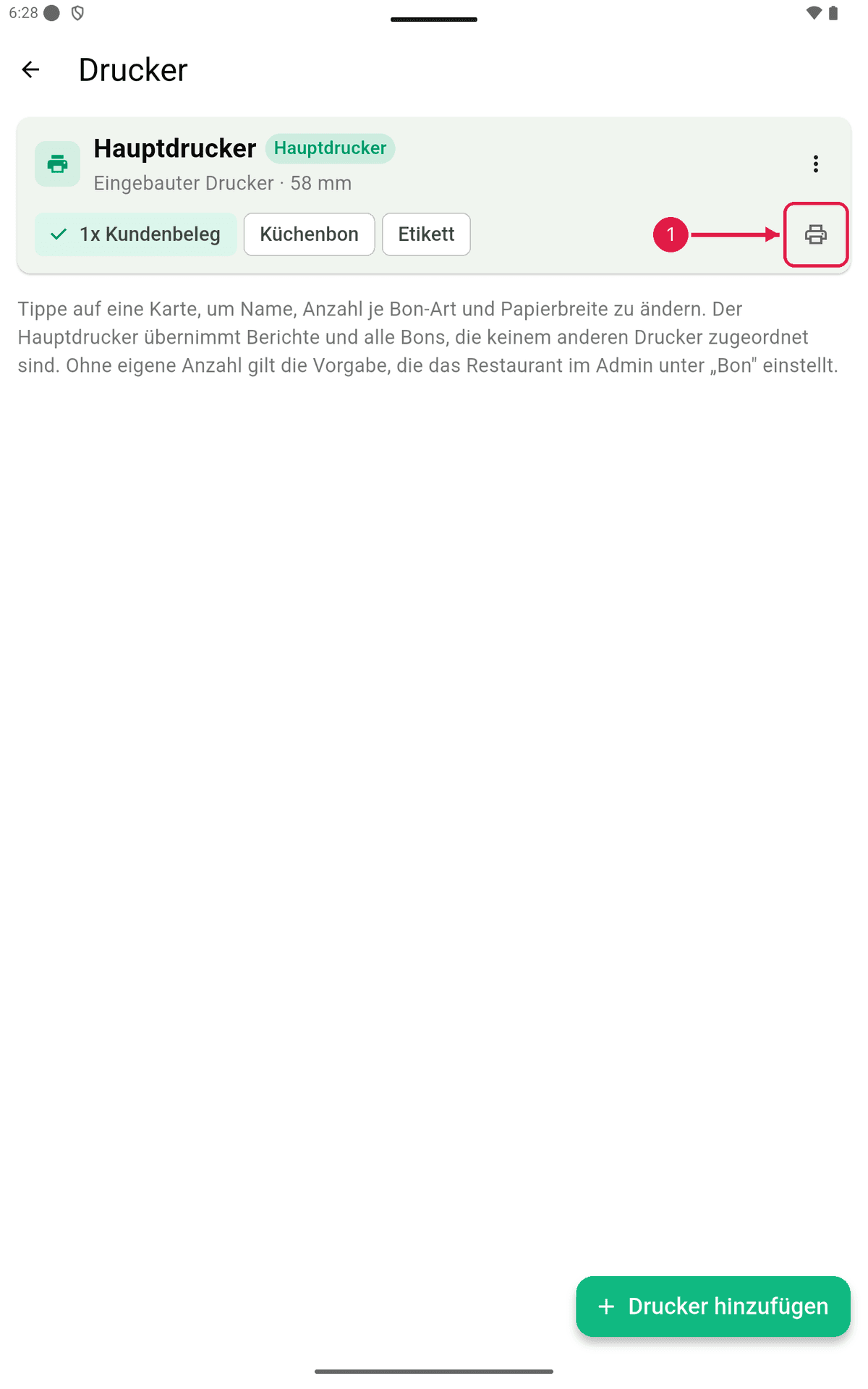
- In the printer list every printer has a printer icon (Testdruck), and so does the editor.
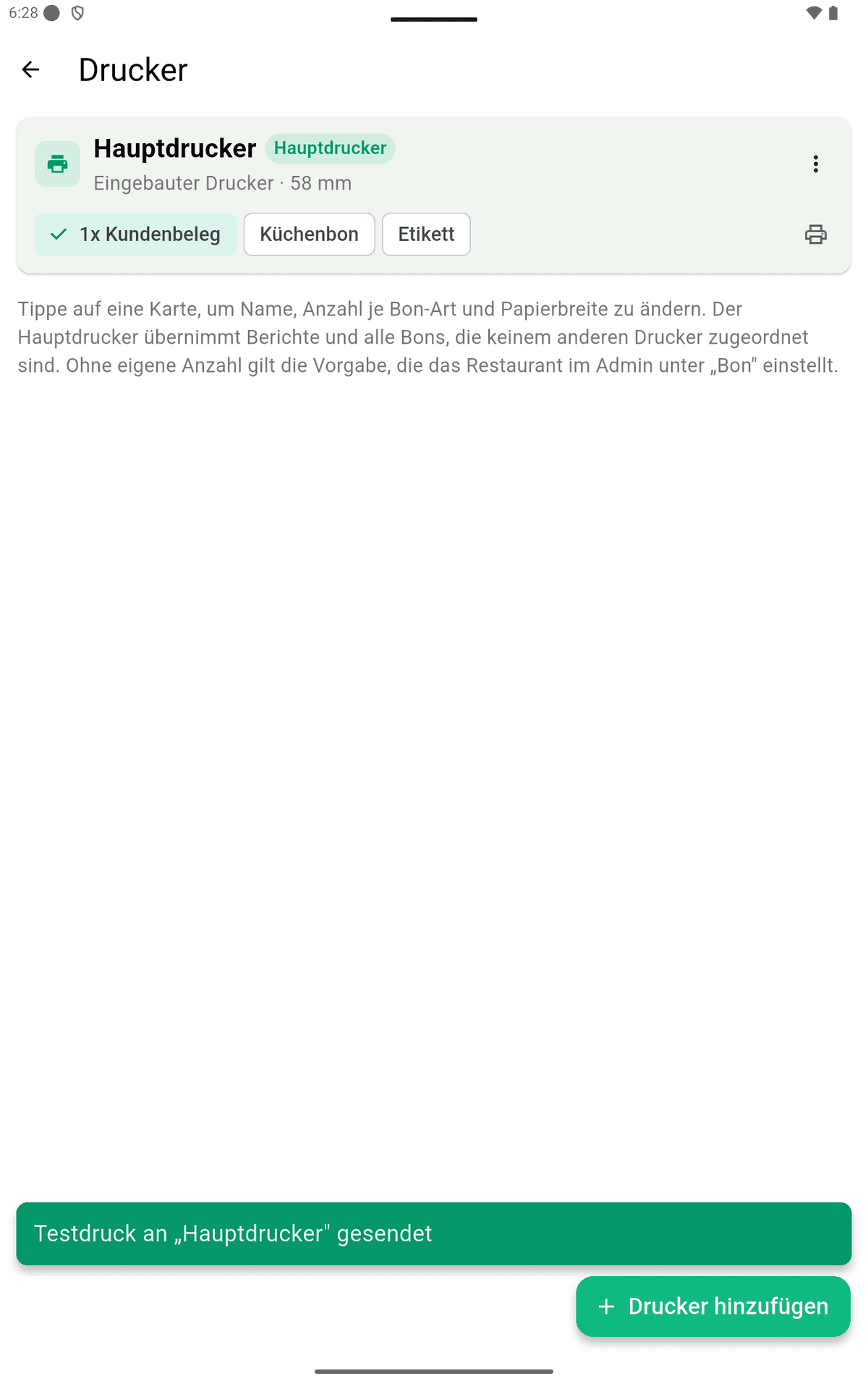
- Messages: Testdruck an „…" gesendet (test print sent), Testdruck fehlgeschlagen (test print failed), Drucker nicht erreichbar (printer not reachable) or Bluetooth-Drucker nicht erreichbar.
Requirements
The order terminal is connected with your restaurant. A printer is set up.
Step by step
Start the test print
Open Einstellung (settings) in the menu and tap Drucker (printer). Tap the printer icon on the printer.
Read the result
The message appears at the bottom, in the picture Testdruck an „Hauptdrucker" gesendet. Check the printout.
Result
You know whether the printer prints.