Order terminalReservations
Print a reservation
Print a reservation on the receipt printer, for example for the table.
What it is for
Every reservation can be printed, for example as a note for the table.
What changes
- The message reads Reservierung wird gedruckt... (printing reservation), and the button shows Druckt... while printing.
- On an error the terminal reports Druckfehler (print error).
Requirements
The order terminal is connected with your restaurant. Table reservations are switched on in the admin area, see Set up table reservations. A printer is set up.
Step by step
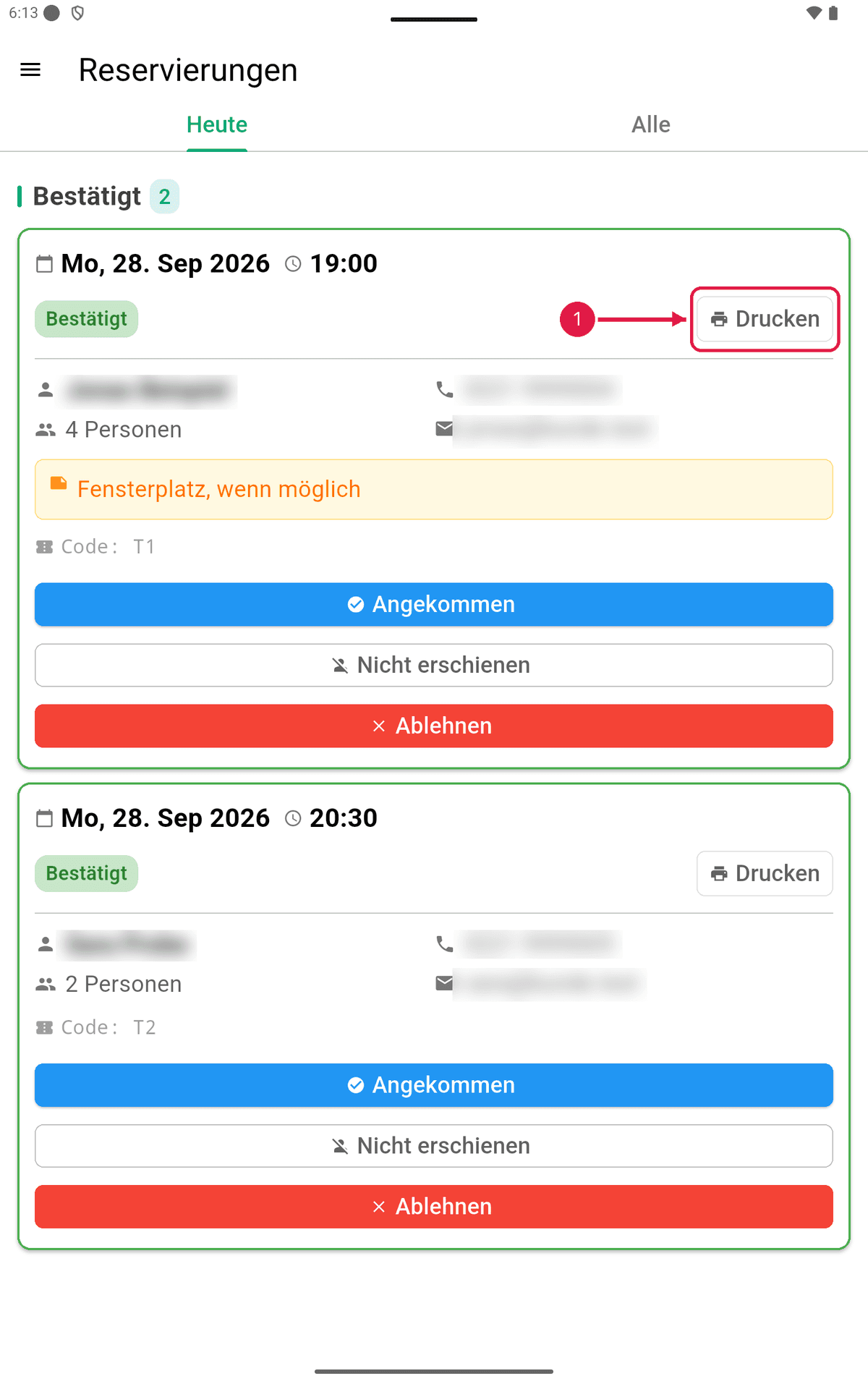
Result
The reservation is printed.