Order terminalOrders
Mark an order as ready for pickup
Mark a pickup order as ready so it moves to Unterwegs.
What it is for
When a pickup order is ready, you mark it as ready for pickup. This keeps the kitchen tidy. Orders are shown in three tabs: Küche (kitchen: new, accepted, in preparation and cancelled), Unterwegs (on the way: ready for pickup or out for delivery) and Fertig (done: completed).
What changes
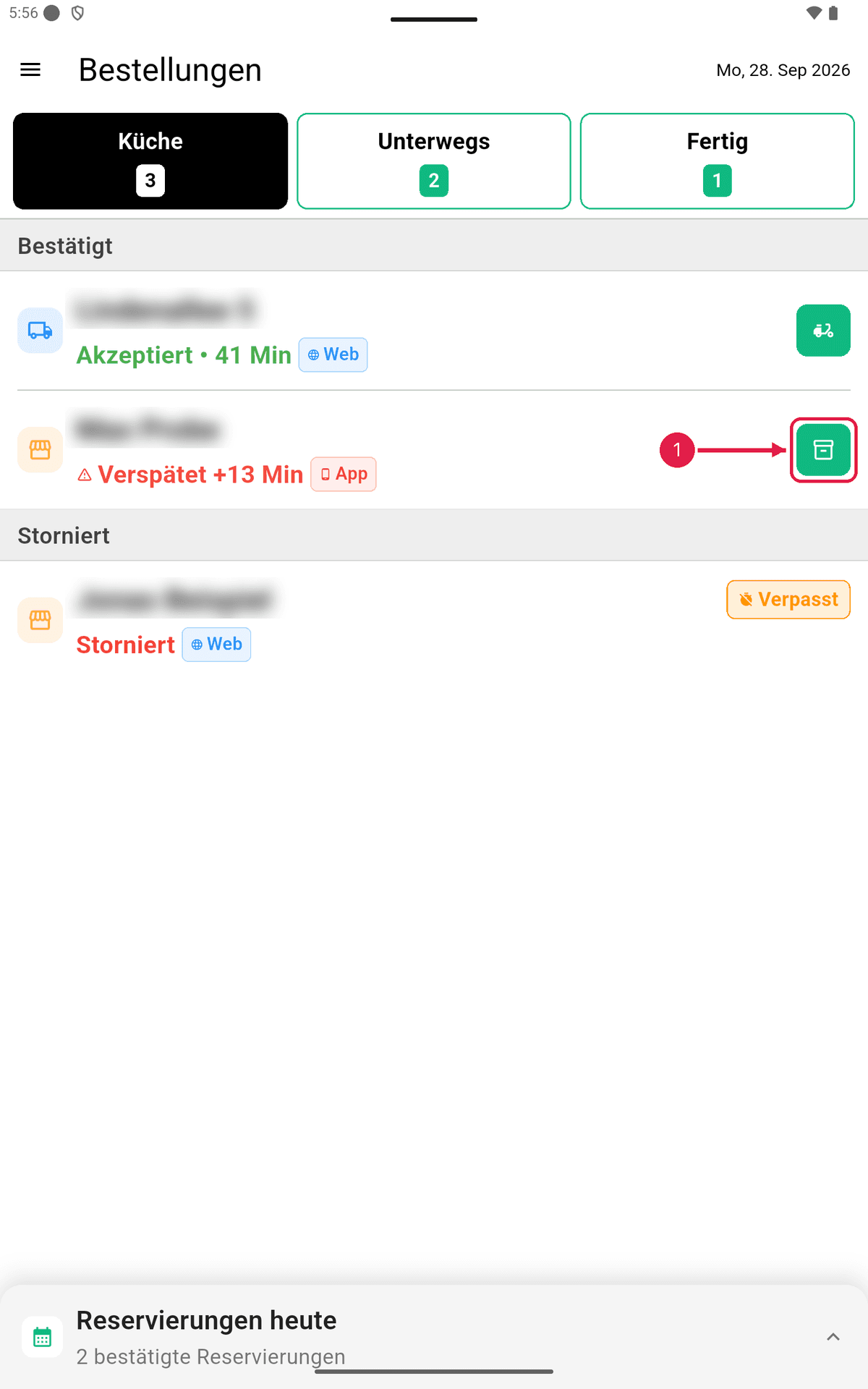
- In the row of an accepted pickup order there is a button with a bag icon on the right (Als abholbereit markieren, mark as ready for pickup).
- After tapping, the order moves to the Unterwegs tab. There is no confirmation.
Requirements
The order terminal is connected with your restaurant. The pickup order is accepted.
Step by step
Mark as ready
Open Bestellungen (orders) in the menu. In the pickup order's row tap the icon on the right.
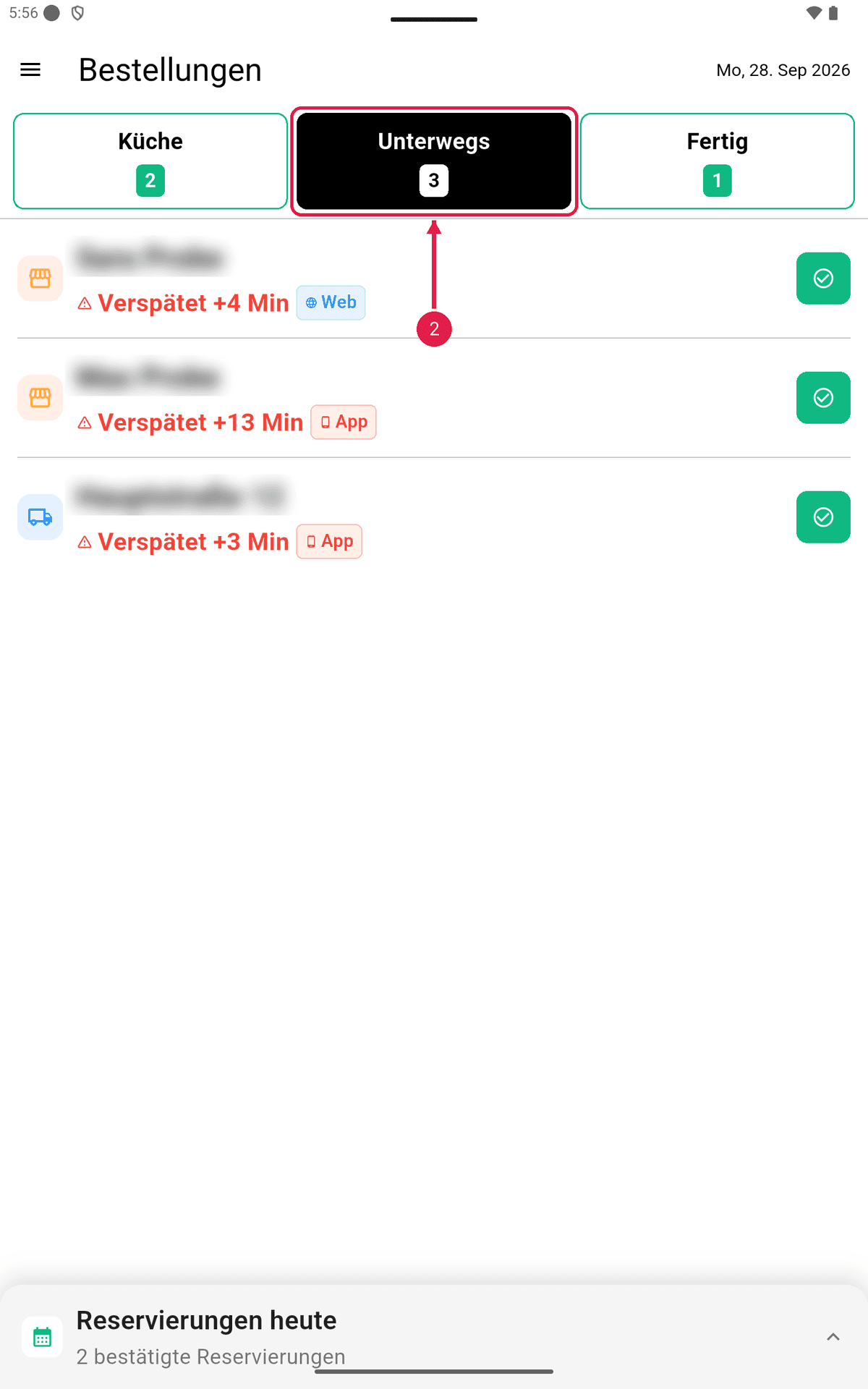
Result
The order is waiting for the guest.