Recognise a new order
Recognise how the terminal announces a new order and what to look out for.
What it is for
When a new order comes in, the terminal rings in a loop and opens the order full screen immediately. You must accept or cancel it, only then does the page close.
During quiet time, for example at night outside opening hours, pre-orders and reservations appear the same way, only without sound. ASAP orders ring then too by default, see Set the order sound.
What changes
- At the top are the order number, for example Bestellung #G4H7, plus Lieferung (delivery) or Abholung (pickup), the payment method, Noch nicht bezahlt (not yet paid) for cash and card payment, the time (Schnellstmöglich, as soon as possible, or Geplant, scheduled) and the source Web or App.
- Below follow the guest, delivery address, notes, items and the Zahlungsübersicht (payment summary).
- At the bottom left the red button with the X cancels, on the right Akzeptieren (accept) accepts.
- If several orders arrive, they appear one after another.
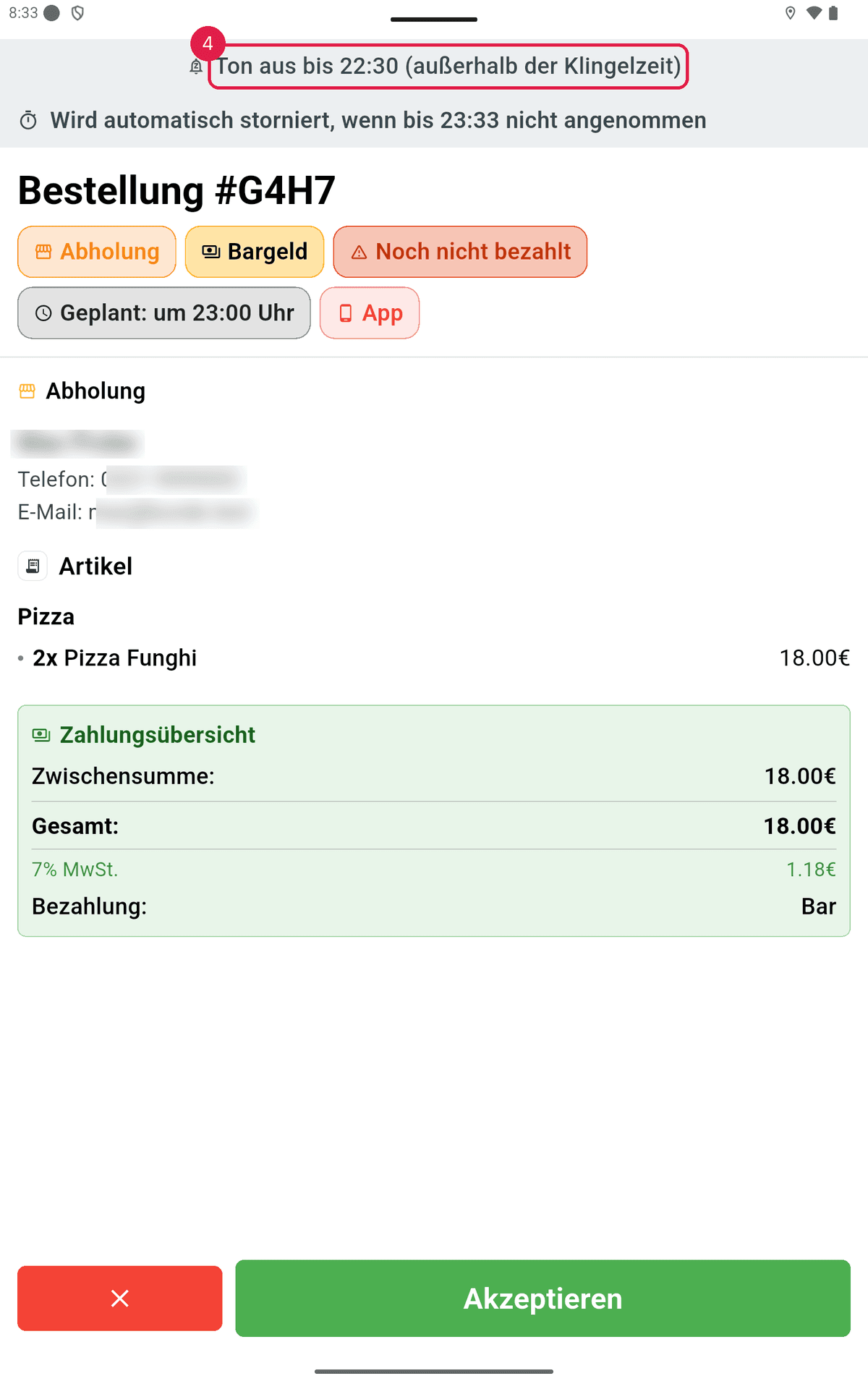
- If something open is silent during quiet time, the top says „Ton aus bis …“ (sound off until …) with the time from which it rings. If the order is still open then, the terminal rings at that time. A pre-order rings at the latest 30 minutes before its automatic cancellation.
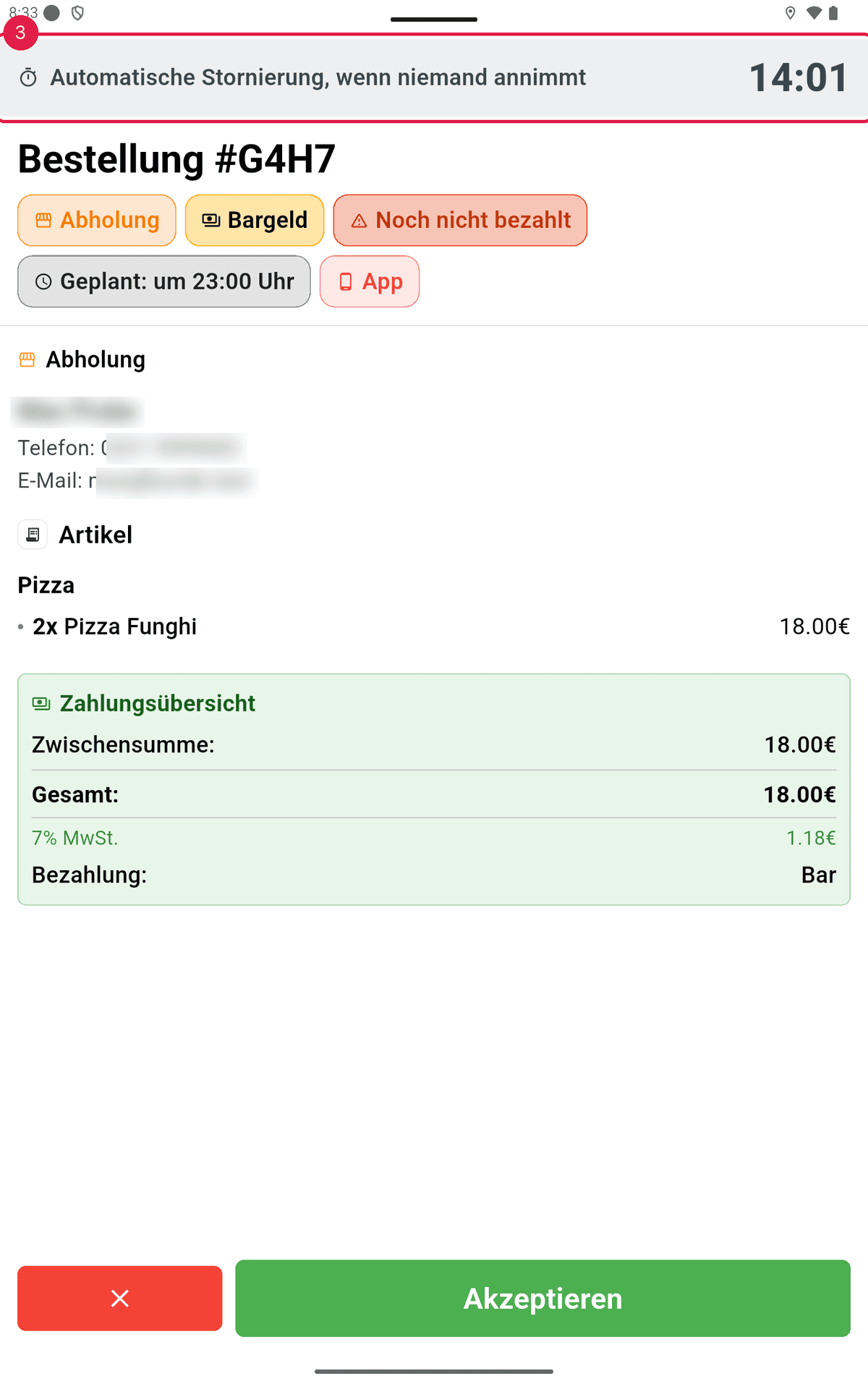
- From version 1.4.1, at the very top a countdown to the automatic cancellation runs: Automatische Stornierung, wenn niemand annimmt (automatic cancellation if nobody accepts) with the time left, for example 14:30. From 5 minutes it turns yellow, from 2 minutes red. For a pre-order that still has longer, it says instead by when it must be accepted, for example „Ohne Annahme bis morgen 11:15 wird die Bestellung automatisch storniert“ (without acceptance by 11:15 tomorrow the order is cancelled automatically). In the last hour it counts down too.
- The time follows your restaurant's time limit, by default 15 minutes after the order arrives, for pre-orders 15 minutes after the opening on the requested day. It is set in the admin area, see Set automatic cancellation. If an order is not cancelled automatically, no countdown appears.
- If nobody accepts, the order is then cancelled automatically, see Understand missed orders.
Requirements
The order terminal is connected with your restaurant.
Step by step
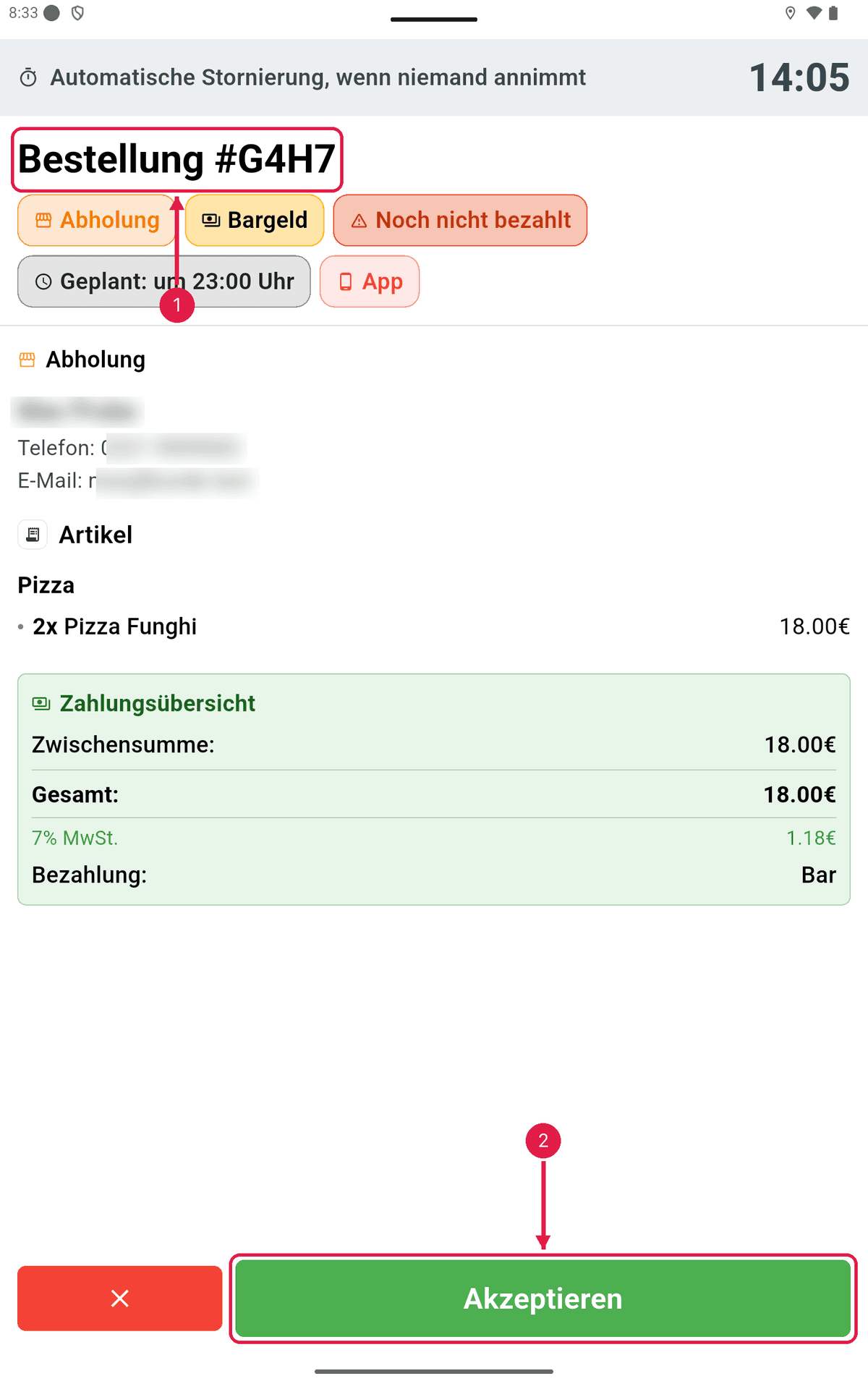
Watch the countdown
At the top you see how much time is left to accept. Accept the order before the countdown runs out, otherwise it is cancelled automatically and the guest is informed.
Watch for the note during quiet time
If a pre-order arrives during quiet time, the top says „Ton aus bis …“ with the time from which it rings. You can still accept or cancel it right away.
Result
After your decision the sound stops and the order appears in the list.