Order terminalOrders
Print a receipt again
Print the receipt of an accepted order again.
What it is for
If a receipt is lost or unreadable, you print it again.
What changes
- With one printer, the terminal prints one customer receipt marked as a copy.
- With several printers it asks Was soll noch einmal gedruckt werden? (what should be printed again?) and offers Kundenbeleg (customer receipt), Küchenbon (kitchen ticket), Tüten-Etikett (bag label) with the printer and Alles noch einmal (everything again). Only the receipts planned for this order are offered. If the bag label is set to Nur Lieferung (delivery only), for example, it is missing for pickups, see Set receipts by order type.
- Messages: Bon gedruckt (printed), Bon konnte nicht gedruckt werden (could not be printed) or Es gab nichts zu drucken (nothing to print).
Requirements
The order terminal is connected with your restaurant. The order is accepted, and a printer is set up.
Step by step
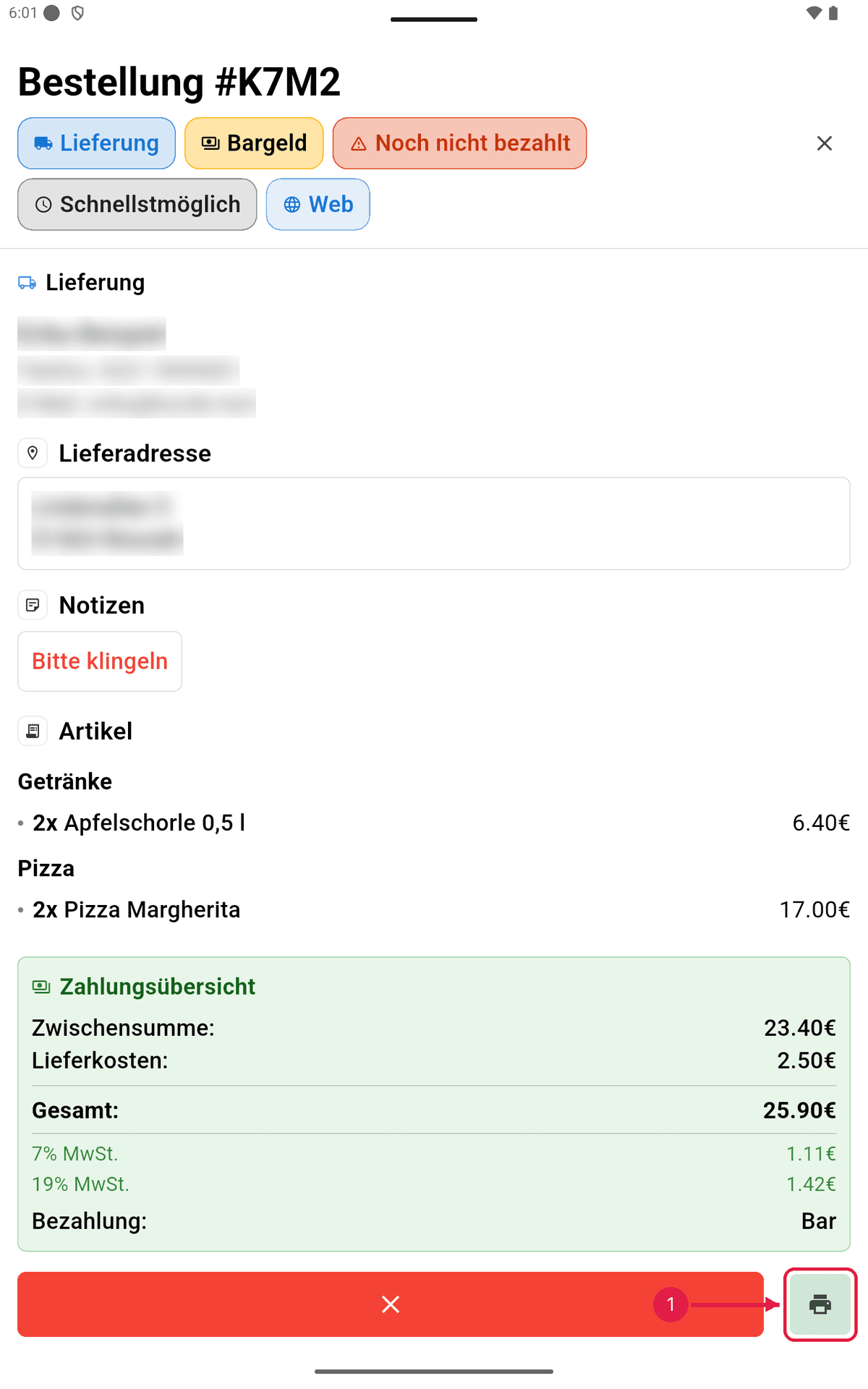
Open Bestellungen (orders) in the menu. Open the order and tap the printer icon at the bottom right (Bon drucken, print receipt).
Result
The receipt is printed again.