Order terminalOrders
Understand automatic acceptance
Understand how the terminal accepts and prints orders automatically when this is switched on in the admin area.
What it is for
With automatic acceptance, the terminal accepts and prints new orders by itself. You switch it on in the admin area, not on the terminal, see Switch on automatic acceptance.
What changes
- The terminal rings briefly, accepts the order after about 3 seconds with the fixed time from the admin area and prints the receipt.
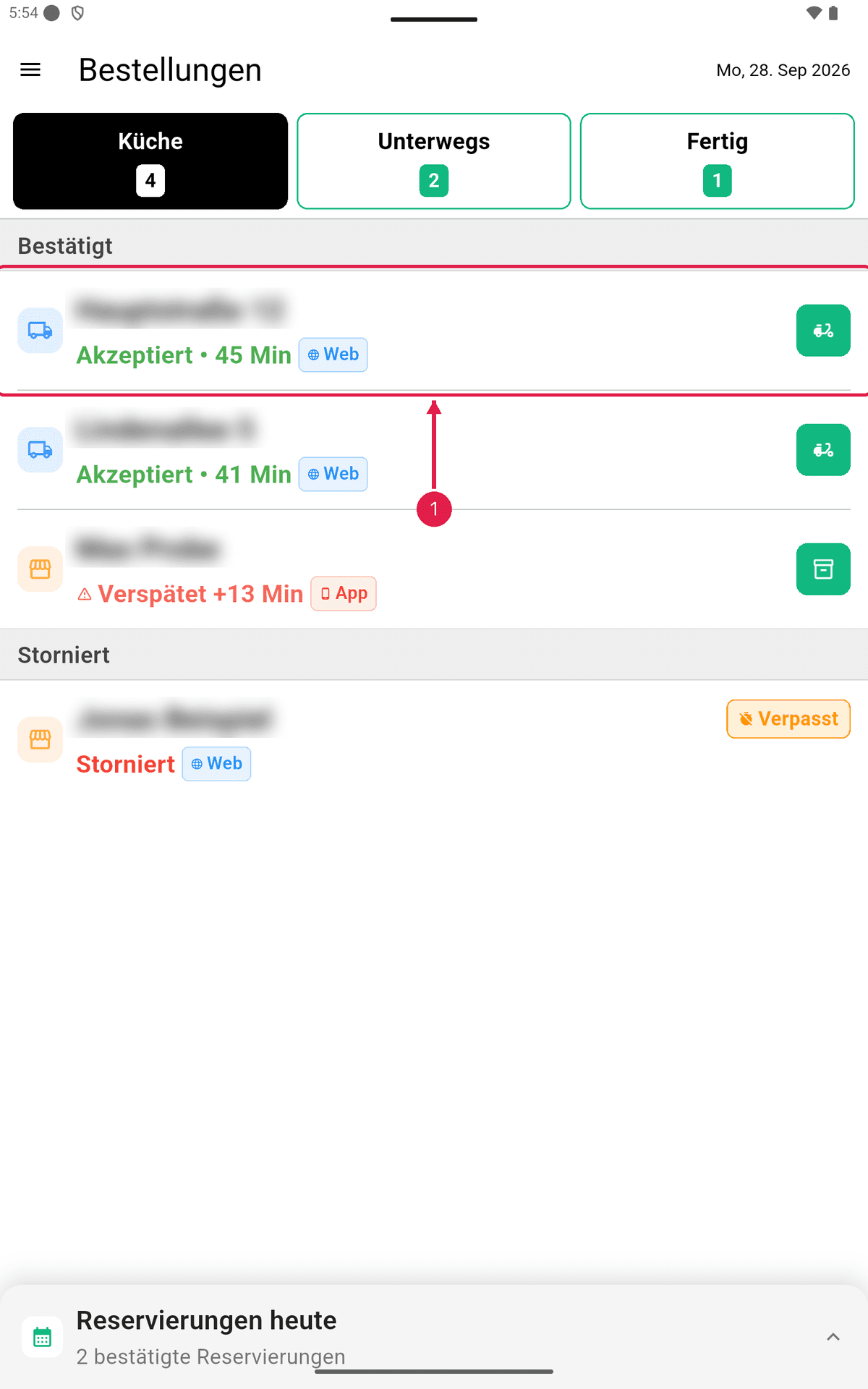
- The order appears immediately under Küche with Akzeptiert.
- If printing fails, the terminal reports that the receipt was not printed, keeps ringing and retries every 20 seconds.
- Pre-orders are accepted for the time the guest chose.
Requirements
The order terminal is connected with your restaurant. Automatic acceptance is switched on in the admin area.
Step by step
See the accepted order
An automatically accepted order appears directly under Küche with Akzeptiert and the time.
Result
Orders are accepted without intervention. Still check regularly whether they were printed.