Order terminalSettings
Change the PIN
Replace the screen lock PIN with a new one.
What it is for
The Bildschirmsperre (screen lock) protects the Umsatz (revenue) section with a 4-digit PIN. The PIN only applies on this device. If you forgot it, it can be reset in the admin area, see Pair, reset PIN, unpair a device.
What changes
- PIN ändern (change PIN) first asks for the current PIN, then you set the new one.
- The message reads PIN wurde geändert (PIN changed).
Requirements
The order terminal is connected with your restaurant. The PIN lock is switched on.
Step by step
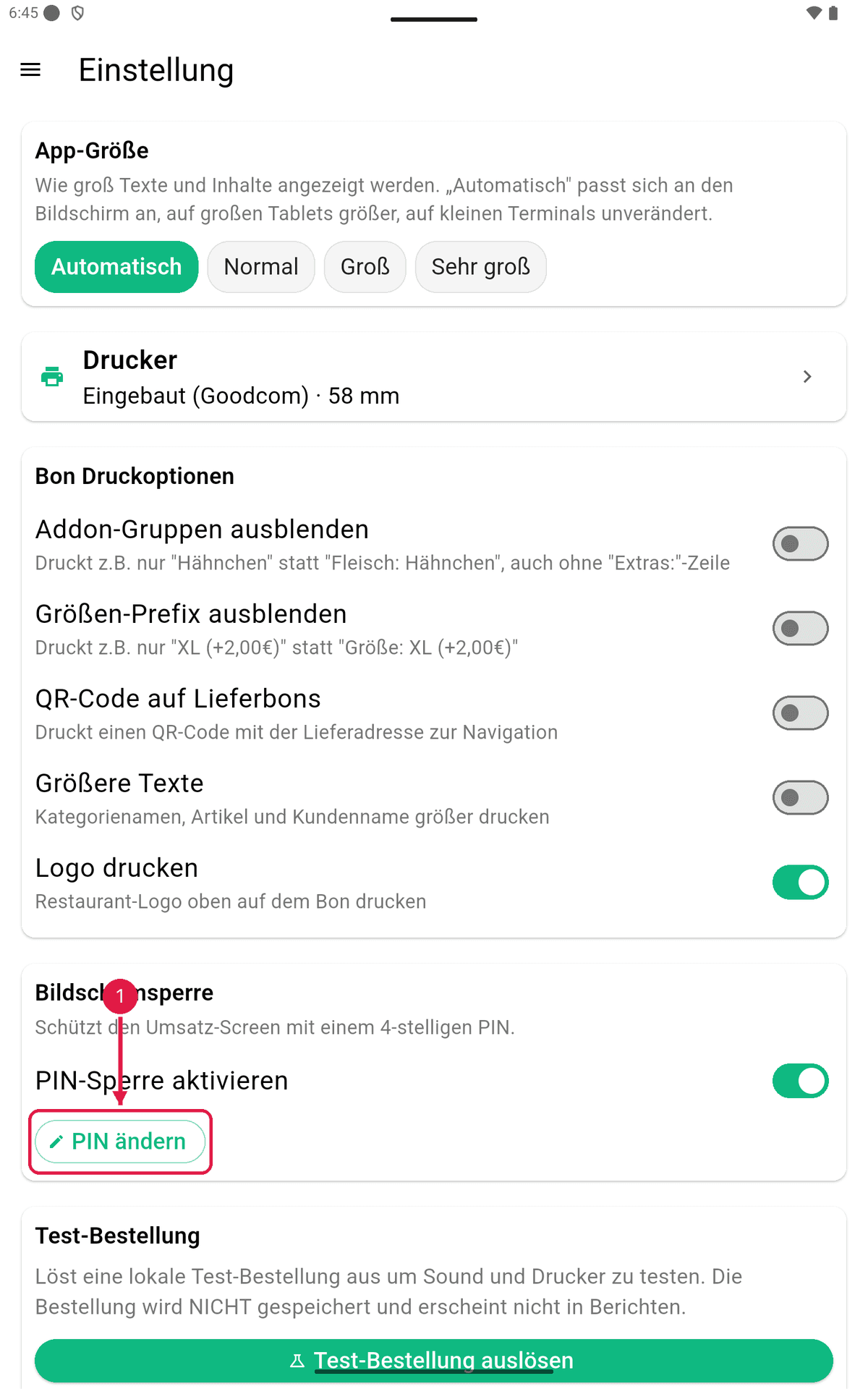
Enter current and new PIN
In the PIN eingeben (enter PIN) window enter the current PIN, then the new one twice.
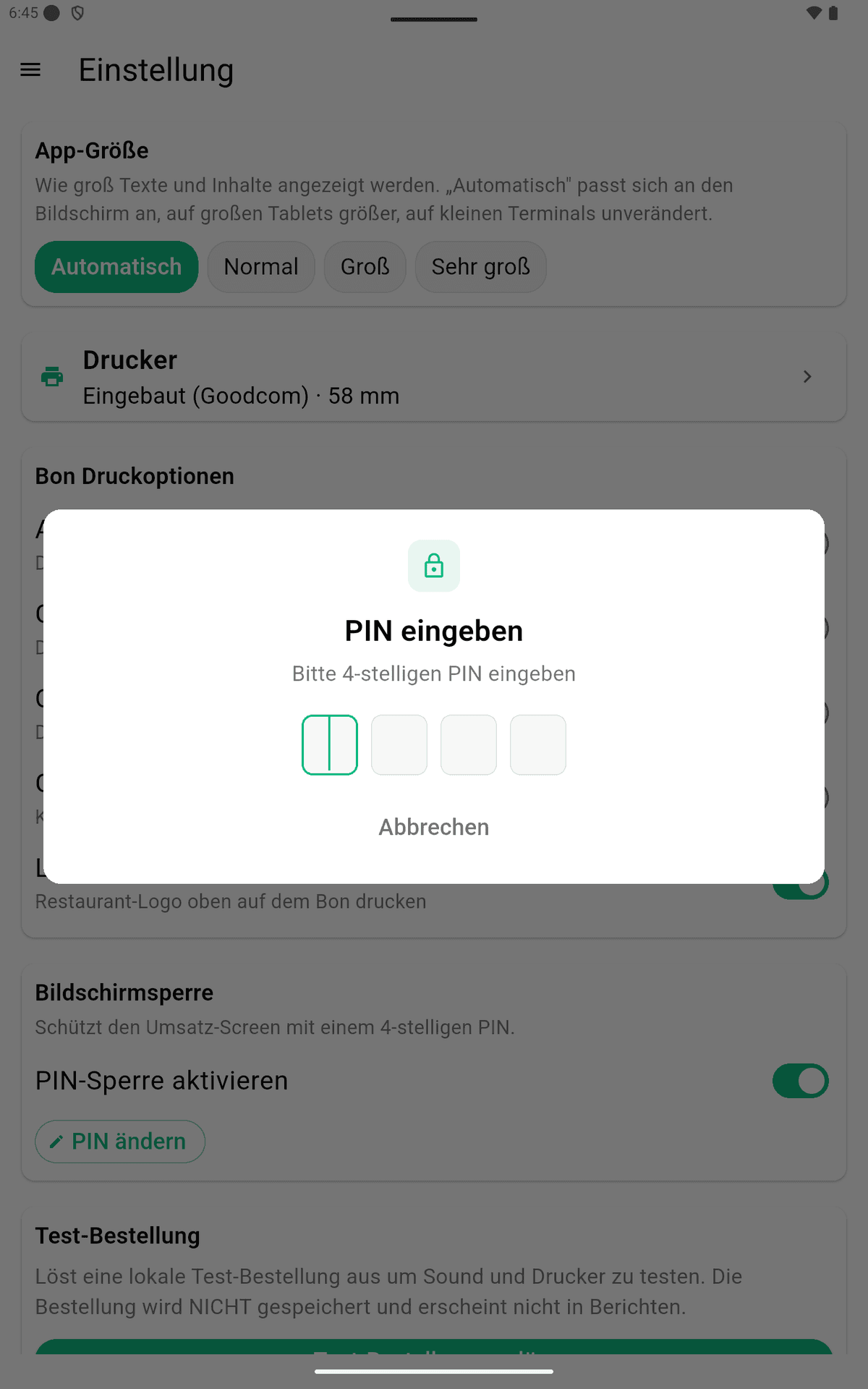
Result
The new PIN applies.