Order terminalSettings
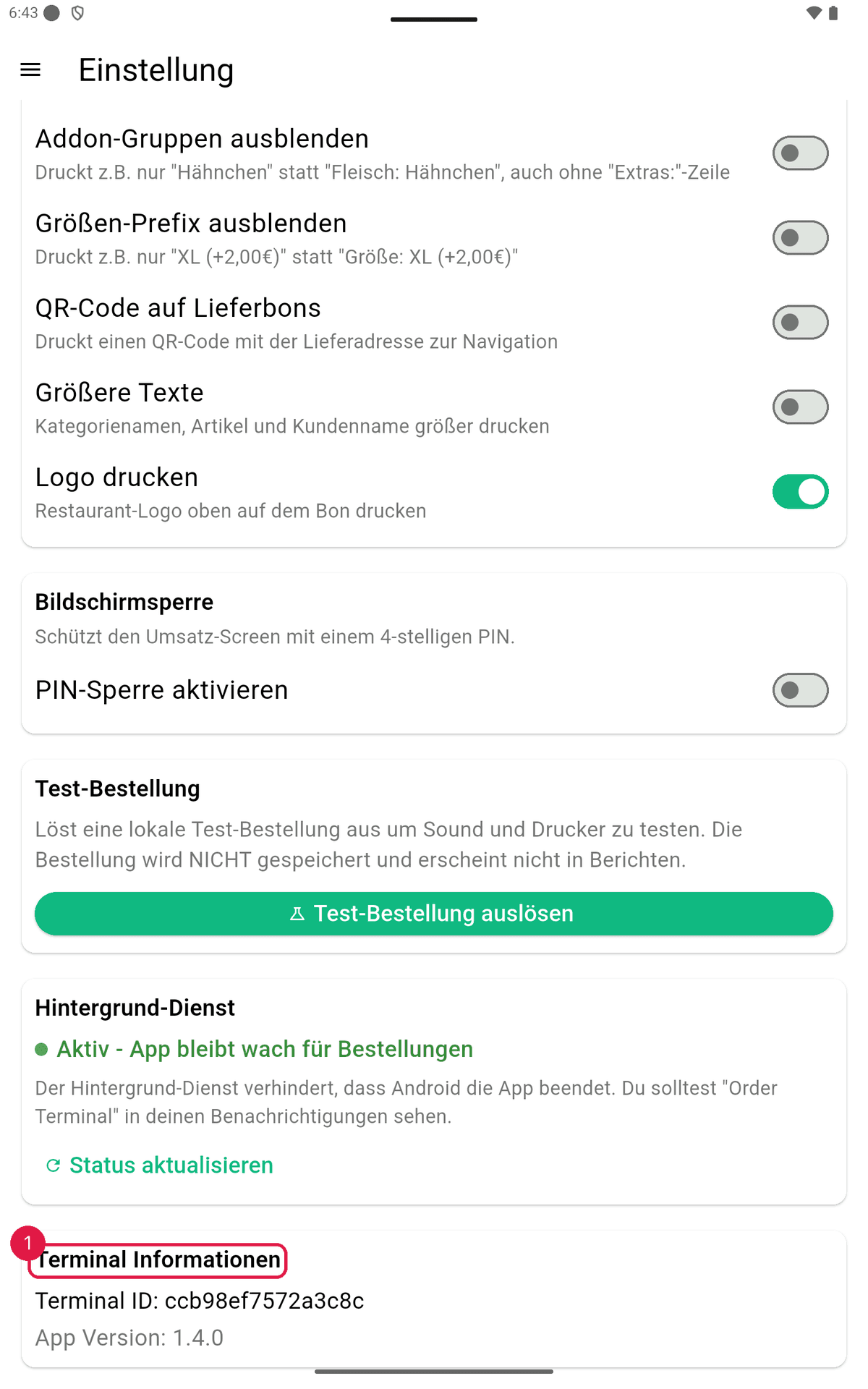
Find the terminal ID and version
Find the terminal ID and the app version, for example for support.
What it is for
At the very bottom of the settings are the details support needs for your terminal.
What changes
- Terminal ID: the device's unique ID.
- App Version: the installed version, for example 1.4.0.
Requirements
The order terminal is connected with your restaurant.
Step by step
Find the details
Open Einstellung (settings) in the menu. Scroll to the very bottom to Terminal Informationen (terminal information).
Result
You have the terminal ID and version at hand.