Choose how you receive orders
Set how you find out about new orders, with an order terminal and receipt printer or with your own Android device.
What it is for
An order nobody notices is a lost order. That is why you set what rings at your place when an order comes in. There are two ways. The hfoods team sets up both with you; you only have to decide.
What changes
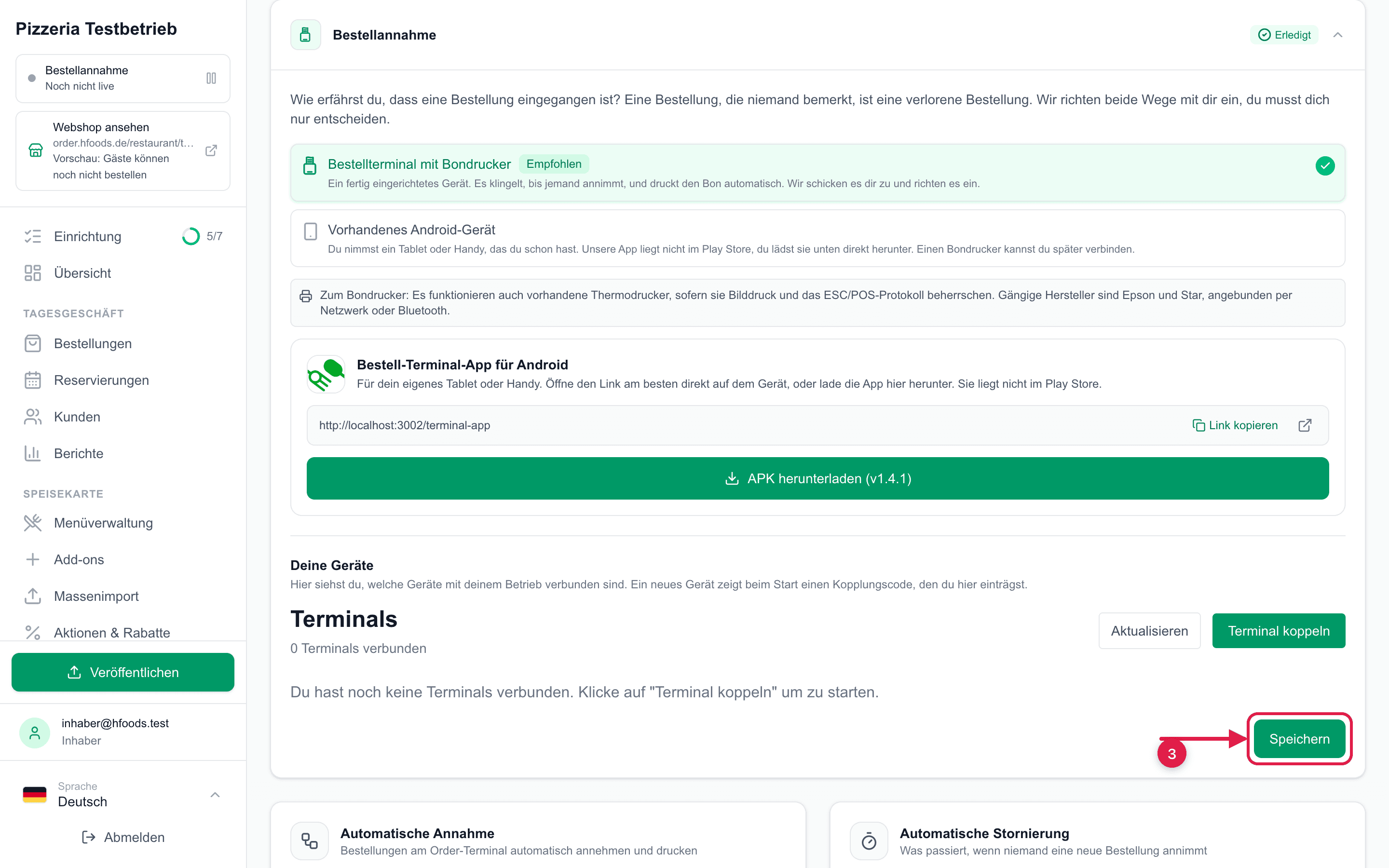
- Your choice is saved. The message Deine Bestellannahme ist gespeichert. (your order intake is saved) confirms this.
- The hfoods team sets up the chosen way with you.
Requirements
You are signed in to the admin area as the owner, and the area is unlocked for your business.
Step by step
Choose a way
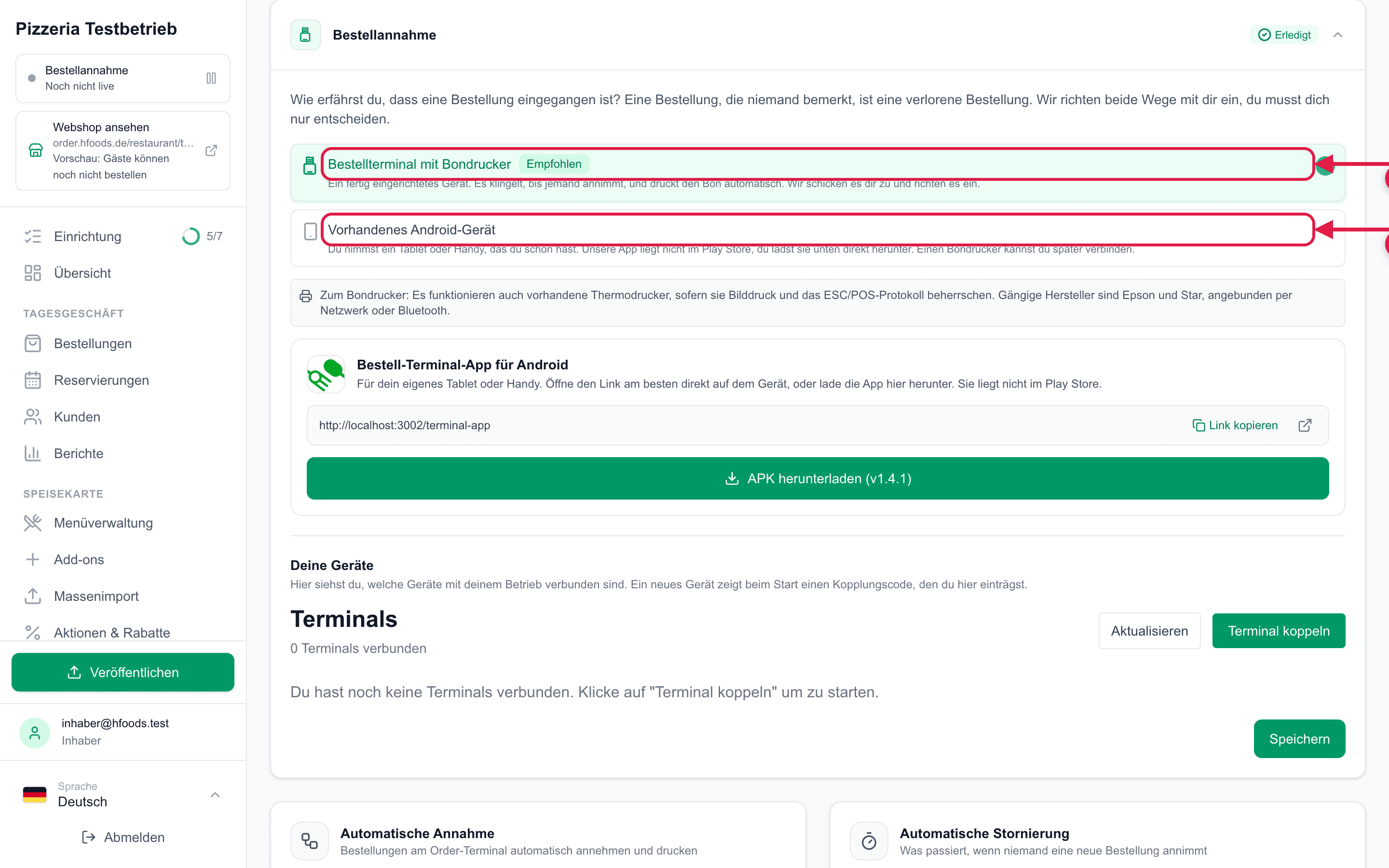
In the sidebar on the left, click Einstellungen (settings) under Shop. The Bestellannahme (order intake) card is at the top of the Bestelleingang (incoming orders) group. Open it and choose one of the two ways:
- Bestellterminal mit Bondrucker (order terminal with receipt printer, recommended): a fully set up device. It rings until someone accepts and prints the receipt automatically. We send it to you and set it up.
- Vorhandenes Android-Gerät (existing Android device): you use a tablet or phone you already have. The app is not in the Play Store; we send you the installation and set it up together with you. You can connect a receipt printer later.
About the receipt printer: existing thermal printers also work, as long as they support image printing and the ESC/POS protocol. Common manufacturers are Epson and Star, connected via network or Bluetooth.
Result
Your choice is saved, and the Bestellannahme step in setup is done. Once your device has arrived, you pair it under Deine Geräte (your devices), see Pair, reset PIN, unpair a device.
Tips
- If you get many orders, the order terminal is the safest choice. It keeps ringing until someone accepts the order.