Admin areaLanding Page
Switch animations on or off
Switch the landing page motion effects on or off.
What it is for
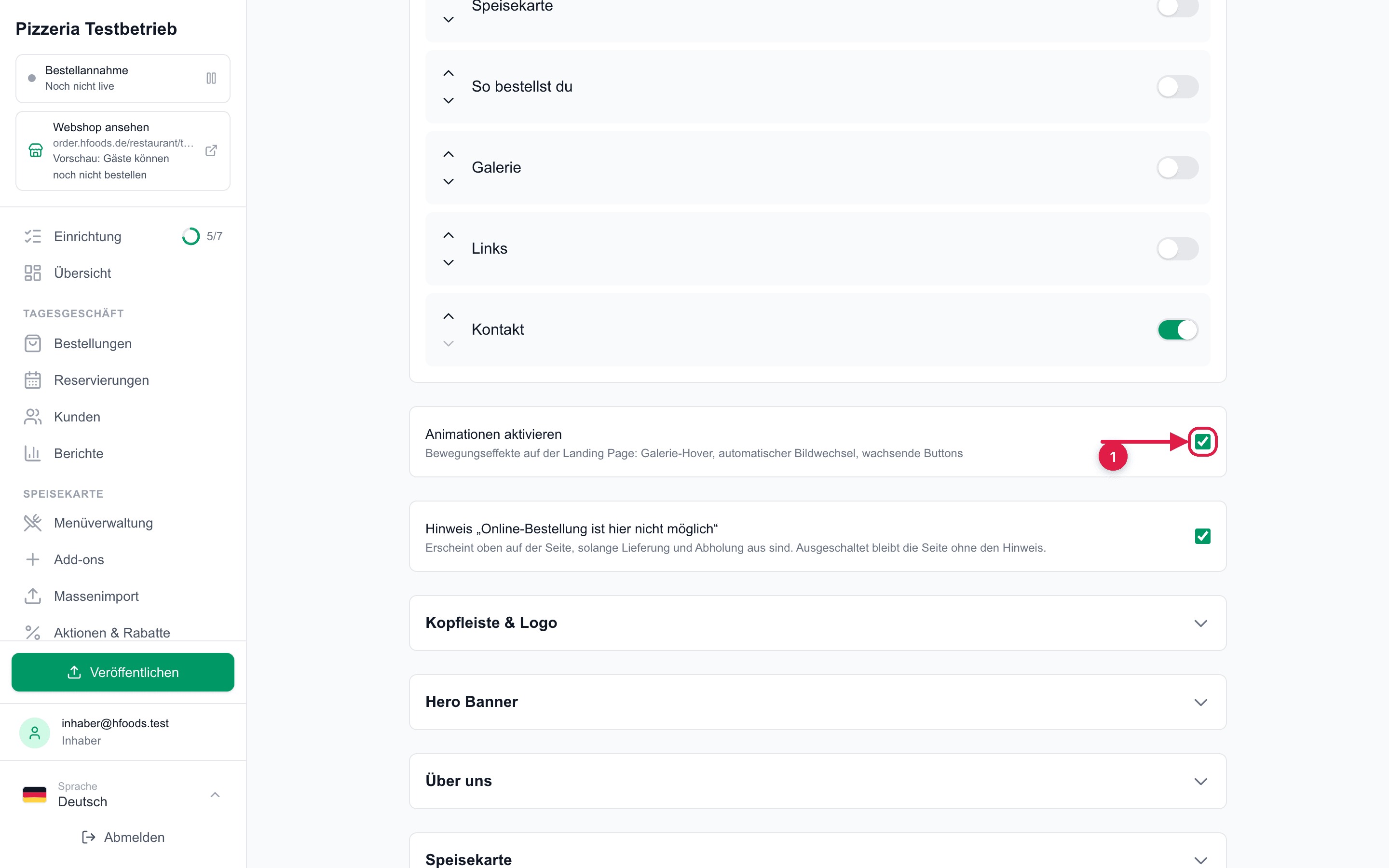
With Animationen aktivieren (enable animations) you decide whether things move on your landing page: gallery hover, automatic picture change and growing buttons. Without animations the page looks calmer.
What changes
- On (ticked, default): gallery pictures react to the mouse, the carousel changes by itself, buttons grow when you hover over them.
- Off: these effects are still.
Requirements
You are signed in to the admin area as the owner, and your landing page is switched on, see Switch on the landing page.
Step by step
Toggle
In the sidebar on the left, click Landing Page. Tick or untick Animationen aktivieren. Click Speichern (save) at the top and then Veröffentlichen (publish) on the left so the web shop and the app show the new state.
Result
The landing page shows its motion effects or stays calm.