Admin areaLanding Page
Save and publish the landing page
Save changes to the landing page and publish them for guests.
What it is for
Everything you change in the landing page editor is only applied with Speichern (save). With Veröffentlichen (publish) your guests see it too.
What changes
- The button shows Speichern as soon as there are unsaved changes, otherwise Gespeichert (saved).
- The message Landingpage gespeichert (landing page saved) confirms saving.
- Links without a label or with an invalid address are discarded when saving, a message states how many.
Requirements
You are signed in to the admin area as the owner, and your landing page is switched on, see Switch on the landing page.
Step by step
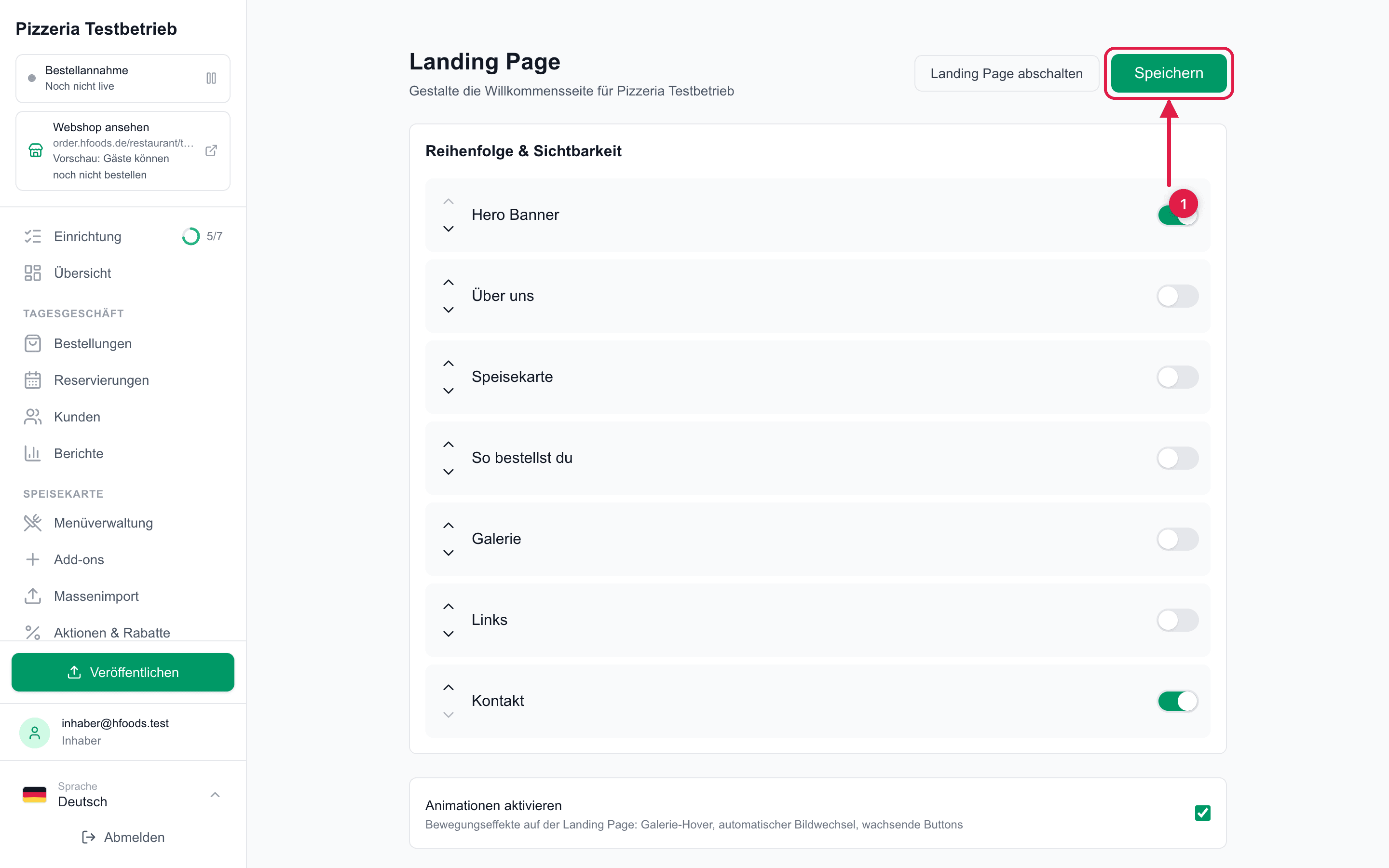
Publish
The button now shows Gespeichert. Click Veröffentlichen on the left so the web shop and the app show the new state.
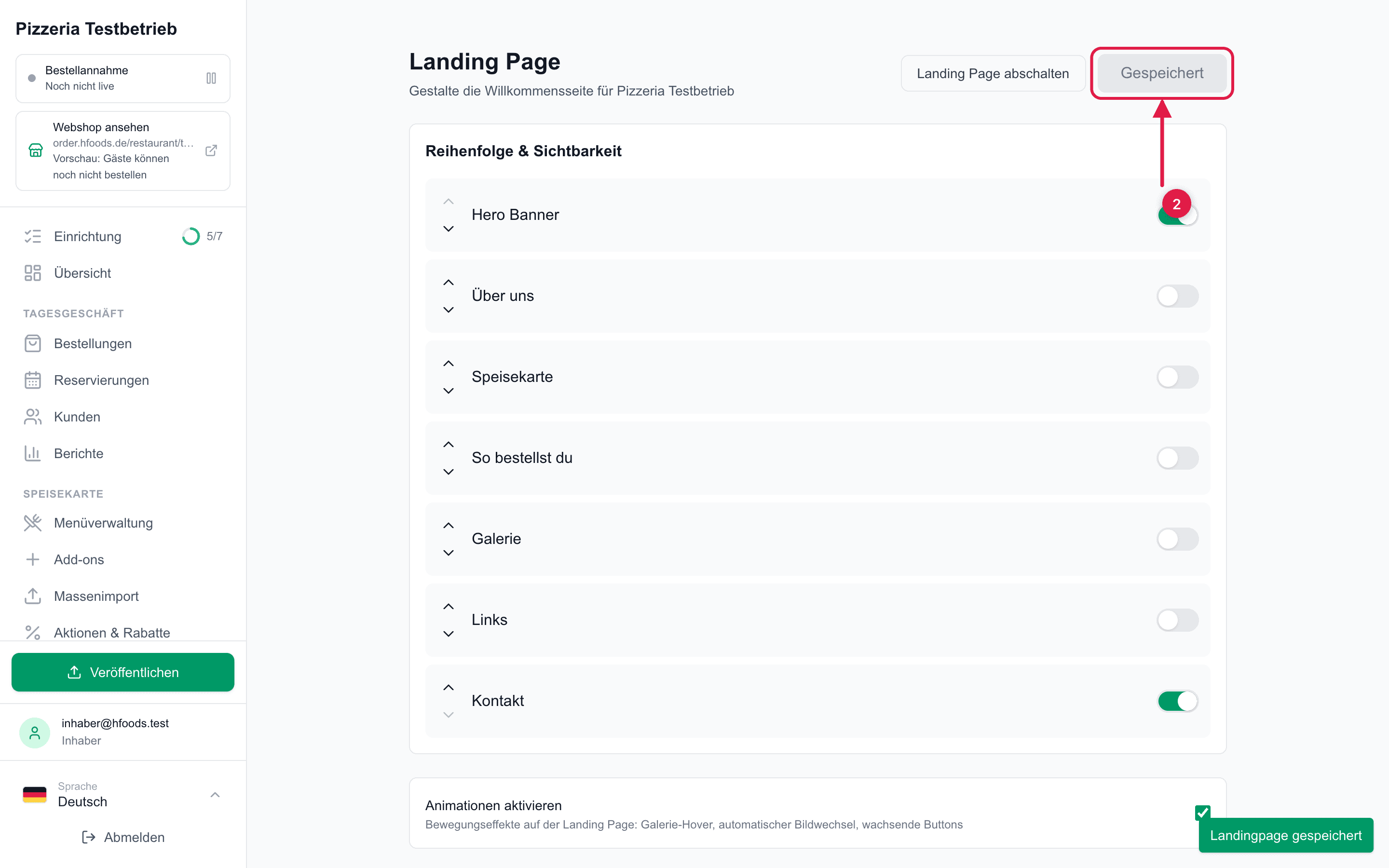
Result
Your changes are saved and visible to guests after publishing.
Save first, then leave
If you leave the page without Speichern, your changes are lost.