Admin areaReceipt printing
Save the receipt settings
Save changed receipt settings so all terminals take them over.
What it is for
Changes to switches, order, font sizes, numbers and categories only apply after Speichern (save).
What changes
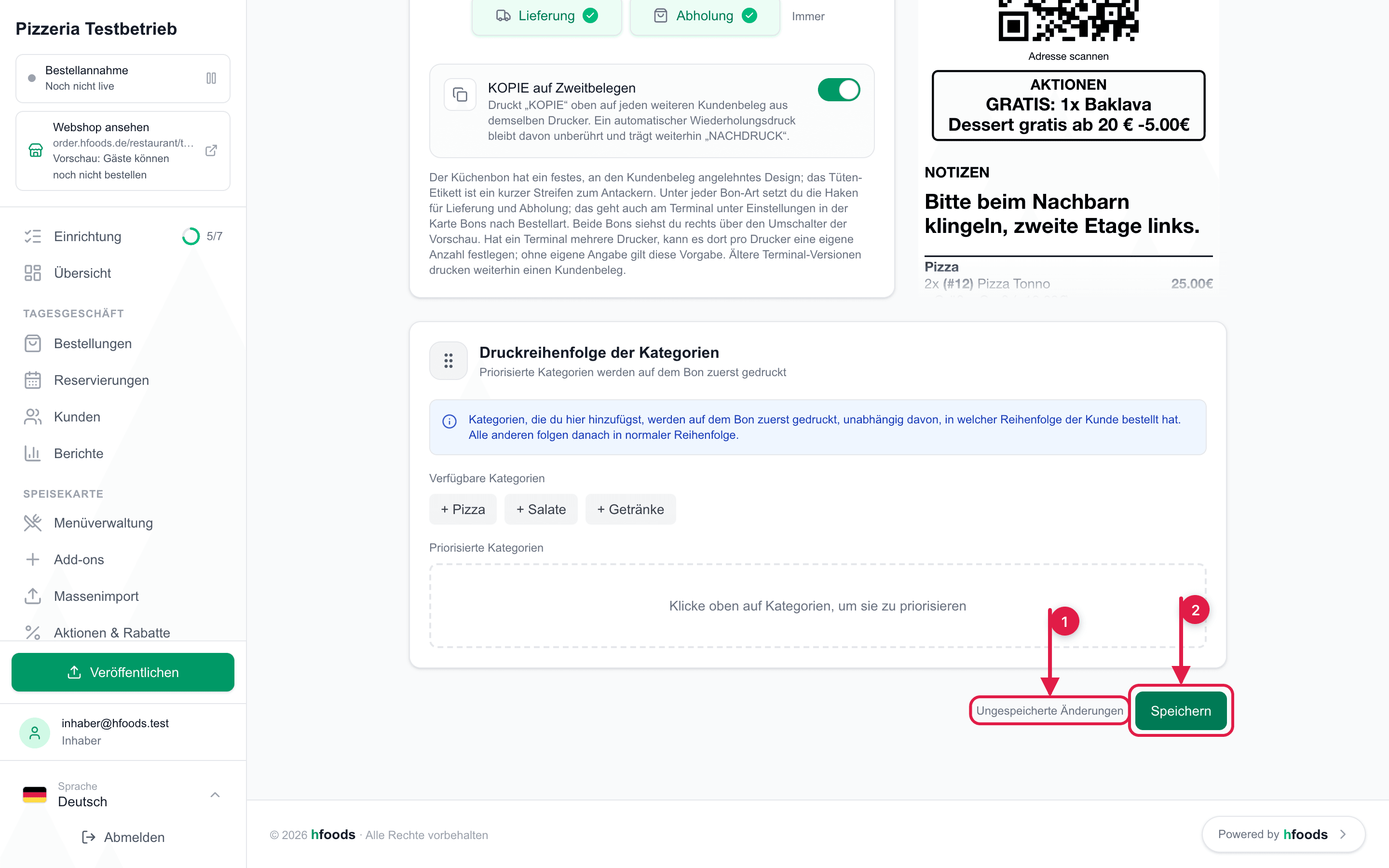
- As long as something is unsaved, Ungespeicherte Änderungen (unsaved changes) appears at the bottom and Speichern can be clicked.
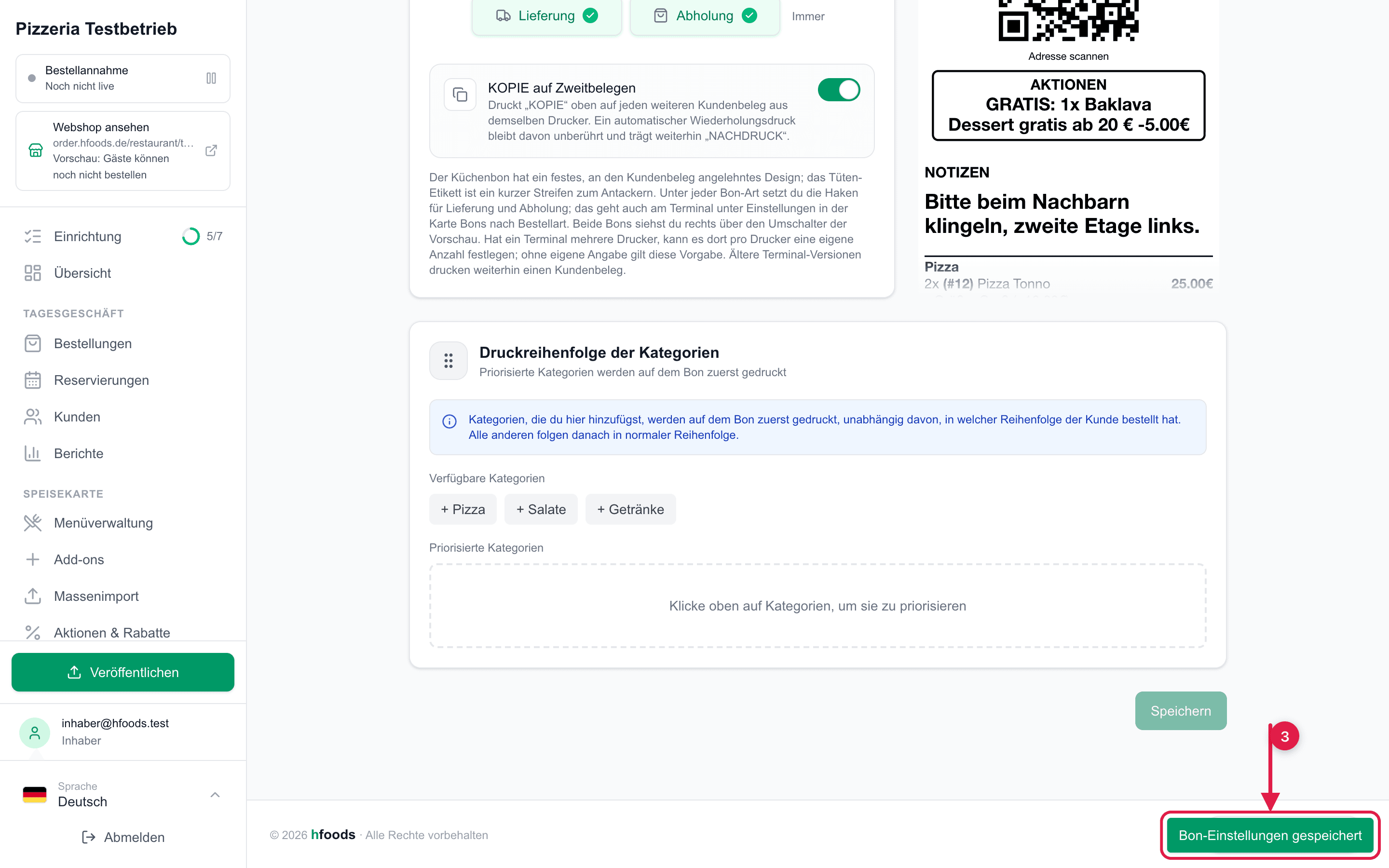
- The message Bon-Einstellungen gespeichert (receipt settings saved) confirms saving.
- The terminals take over the settings as soon as they are online. You do not need to publish for this.
Requirements
You are signed in to the admin area as the owner.
Step by step
Save
In the sidebar on the left, click Bon-Druck (receipt printing). Change something, in the picture the QR-Code auf Lieferbons switch. At the very bottom it says Ungespeicherte Änderungen. Click Speichern.
Result
Your receipt settings are saved and go to all terminals.
Applies to all terminals
The settings belong to the restaurant, not to a single device. A newly paired terminal takes them over automatically, and several terminals print identical receipts. Changes take effect as soon as the terminal is online again.