Enter closures and holidays
Close your business or individual services for several days, for example during holidays.
What it is for
Under Betriebsruhe & Urlaub (closures and holidays) you close your business or individual services for a period of several days, for example during your company holiday.
What changes
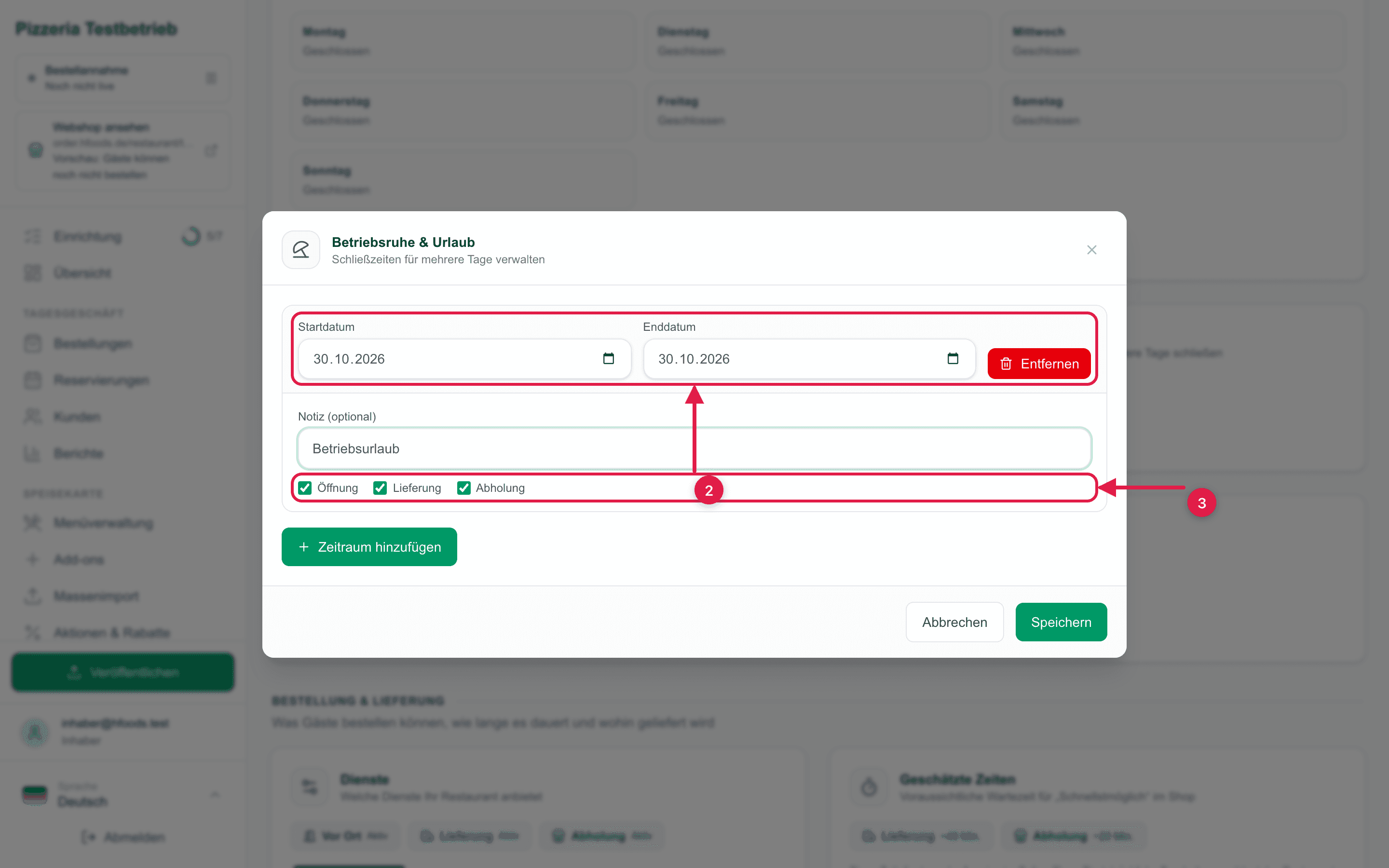
- A period has Startdatum (start date), Enddatum (end date) and a Notiz (optional) (note), such as "Betriebsurlaub". Both days are included.
- The Öffnung, Lieferung and Abholung ticks choose what is closed. Ticked means closed, at first all three are ticked.
- A closure takes priority over special days and weekly times.
- Make sure the end date is not before the start date, the page does not check this.
- Entfernen (remove) deletes the period.
Requirements
You are signed in to the admin area as the owner. Staff do not see the settings.
Step by step
Add a period
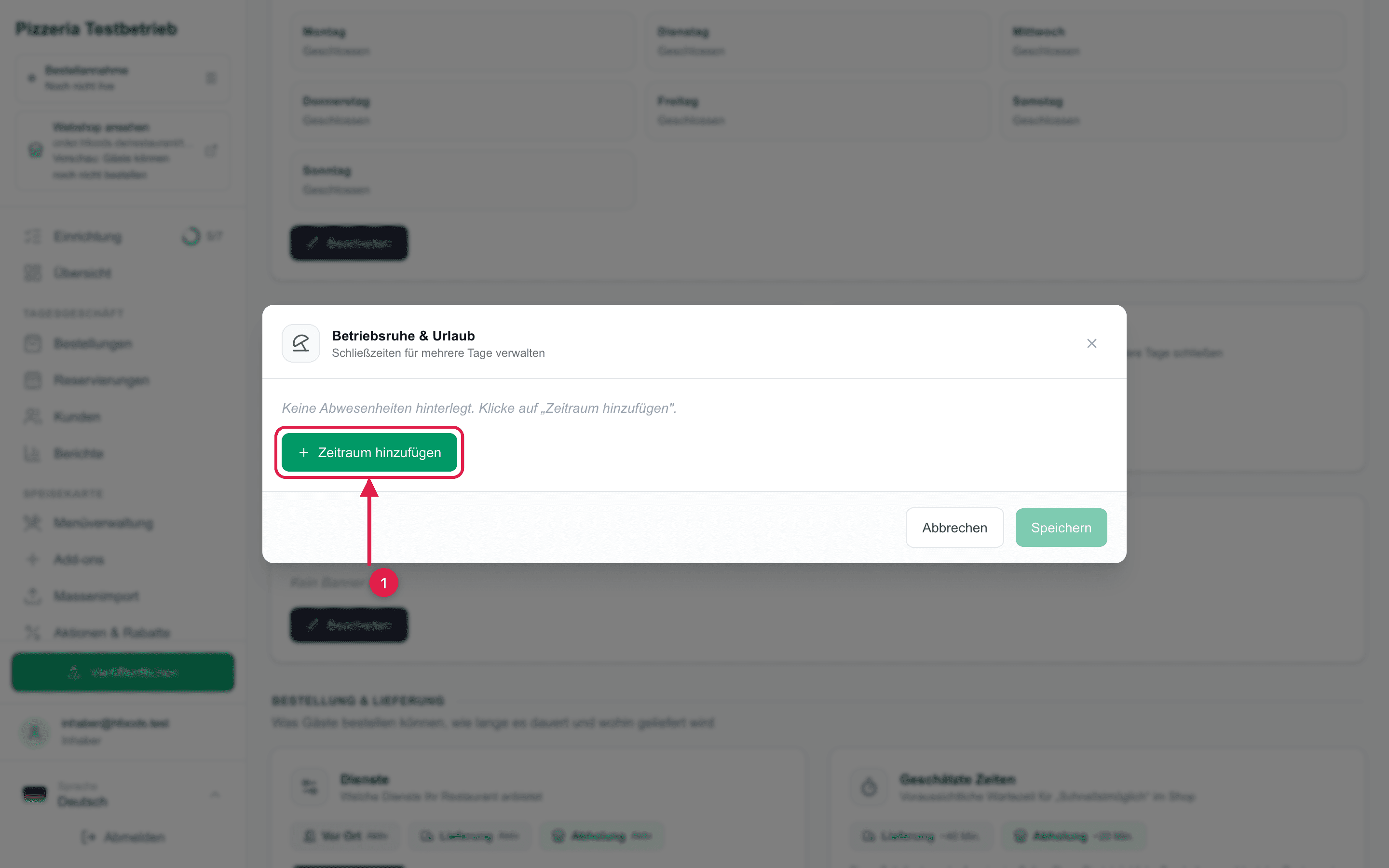
In the sidebar on the left, click Einstellungen (settings). Next to Betriebsruhe & Urlaub click Bearbeiten (edit). Click Zeitraum hinzufügen (add period).
Set period and services
Choose Startdatum and Enddatum, enter a note and leave the services ticked that should be closed.
Result
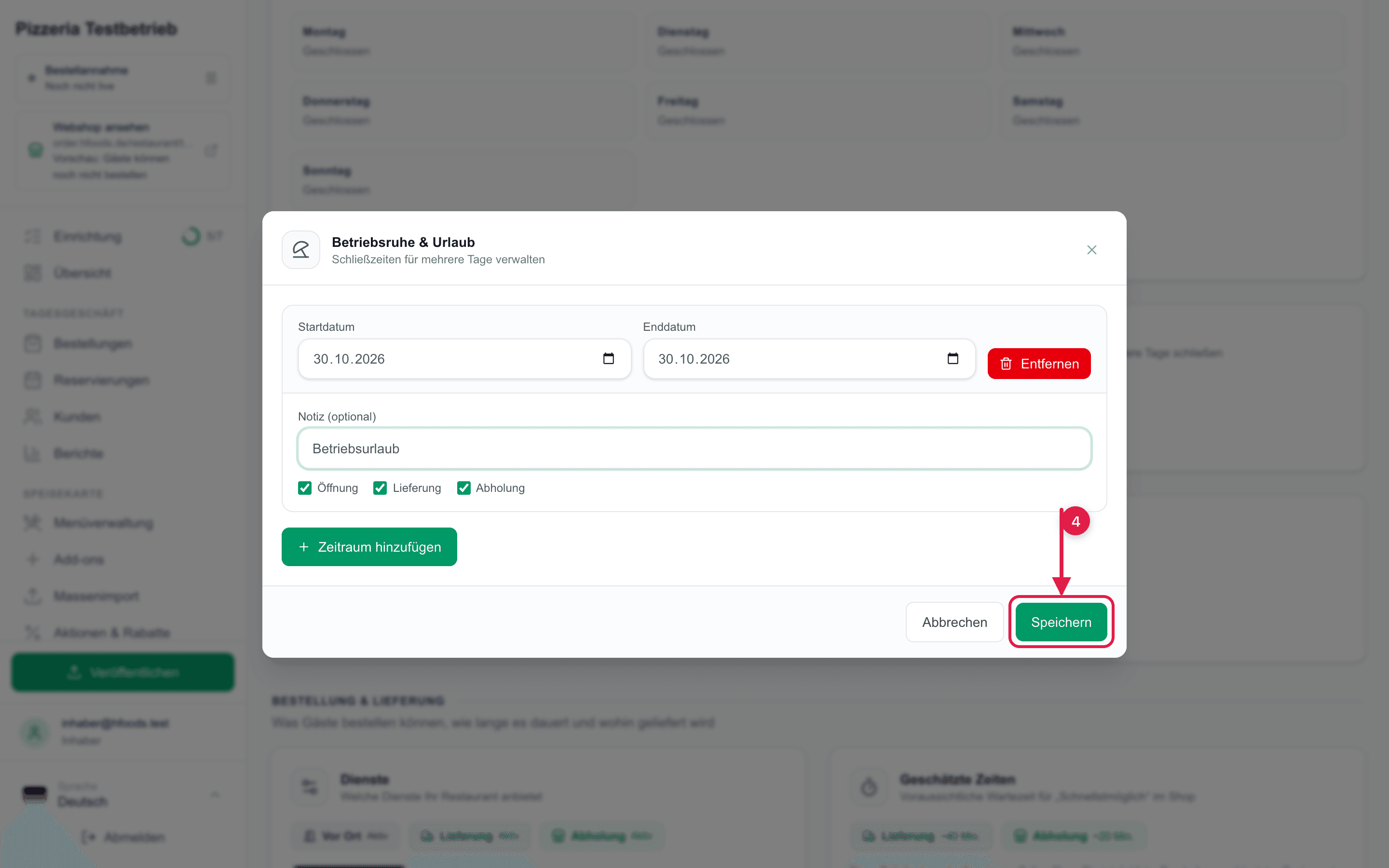
Your business is closed during the period. The web shop and the app take over the change by themselves after saving, you do not need to publish. Tip: announce the holiday on the menu with a banner.